

Holiday Email Signature Templates, Examples & Tips
1. What Is a Holiday Email Signature and Why Use One?
2. Holiday Email Signature Examples
3. How to Design a Holiday Email Signature
4. Tips for Writing a Festive Greeting in Your Signature
5. Mistakes to Avoid in Holiday Email Signatures
6. Create a Free Holiday Email Signature
|
Quick Overview
|
A holiday email signature is a festive version of your regular sign-off. It keeps your name, role, and contact details while adding seasonal flair.
This guide provides a holiday email signature template, examples of happy holidays email banner, and design tips. Use these resources to create a signature that stands out in your recipients' inboxes.
What Is a Holiday Email Signature and Why Use One?
A holiday email signature is a customized variation of your regular email sign-off that adds a festive element during the holiday season. As a rule of thumb, it still contains the essentials — name, role, business information, and contact details — but also weaves in touches of celebration. These may include a short “Happy Holidays” line, a subtle graphic like a tree or ornament, or even a banner designed to support a holiday campaign.
When planned thoughtfully, a happy holidays email signature extends your brand seasonally, drawing attention without interrupting the flow of your communications. Whether it highlights a special offer, shares a goodwill wish, or directs your target audience to new content, it keeps your message professional while adding timely character. Teams, agencies, and SaaS companies often roll it out across every mailbox at once, so each message carries the same seasonal look.
Happy holiday email signature vs. regular email signature
A standard email signature is built for function. It delivers basic facts - your name, position, and ways to contact you - in a format that stays the same all year. Its role is transactional: efficient, professional, and stripped of extras.
A happy holiday email signature, by contrast, carries a seasonal layer of meaning. Instead of acting solely as an identifier, it becomes part of your brand's email communications strategy during the festive season. It can reflect your company's tone, show that you value personal connection, and signal that your business is engaged in the moment.
Here is how the two compare at a glance:
|
Feature |
Regular email signature |
Holiday email signature |
|
Main purpose |
Identify the sender and provide contact details |
Identify the sender and add a seasonal message or campaign touch |
|
Greeting |
Usually none, or a simple "Best regards" |
Festive greeting such as "Happy Holidays" or "Season's Greetings" |
|
Visuals |
Logo, headshot, social icons |
Logo plus a seasonal banner, illustration, or icon |
|
Availability info |
Rarely included |
Often includes holiday hours or office closures |
|
Duration |
Used all year round |
Temporary: added before the holiday and removed afterward |
|
Marketing role |
Passive |
Supports seasonal campaigns, offers, and events |
|
Tone |
Neutral and professional |
Warm, timely, and still professional |
The holiday version engages readers better than the regular version. It spreads cheer, supports seasonal campaigns, and gives each email a timely feel.
Benefits of Using a Holiday Email Signature
Yes, a happy holiday signature for email is great decorative flair. But its benefits go beyond being a good-looking design element in your correspondence. Let's break down the other advantages these signatures bring to the table for both business teams and individuals.
For individuals:
- Adds warmth to interactions: A seasonal line or happy holidays image for an email signature softens the tone of even the most routine message.
- Strengthens connections: Sending a consistent holiday wish shows every recipient you value the relationship beyond business.
- Makes you memorable: A touch of festive detail ensures your emails stand out during the busiest inbox weeks of the year.
For businesses and teams:
- Supports seasonal branding: A coordinated holiday email signature across the whole team reinforces brand identity while keeping professionalism intact.
- Extends campaign reach: Every email you send works like free advertising, quietly amplifying your holiday marketing campaigns.
- Drives engagement: Seasonal touches create a friendlier mood, which can make recipients more responsive to calls to action.
- Promotes offers and events: A banner or clickable feature in a holiday signature email can direct attention to seasonal deals, content, or charity initiatives without disrupting the message itself.
Holiday Email Signature Templates & Examples
The great thing about a holiday email signature is how adaptable it is. Every celebration has its own mood, palette, and traditions, which means your signature can shift tone depending on the occasion. A cheerful Halloween border looks nothing like a bold Black Friday banner, and a soft Easter design is worlds apart from the patriotic flair of the 4th of July.
Below, you'll find more than banner ideas. Each section pairs design motifs and greetings with a ready-to-use holiday email signature template, so you can copy the text, swap in your details, and customize the visual to match your brand. Think of these as holiday email templates for your sign-off: simple, adaptable, and seasonal.
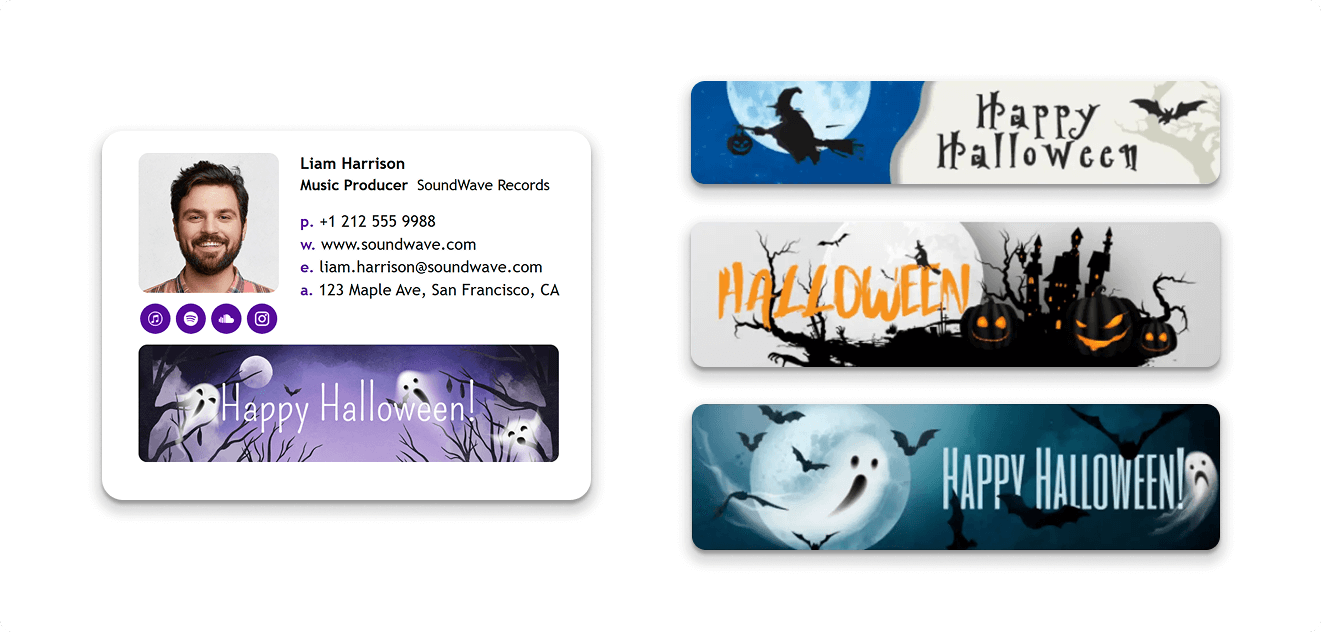
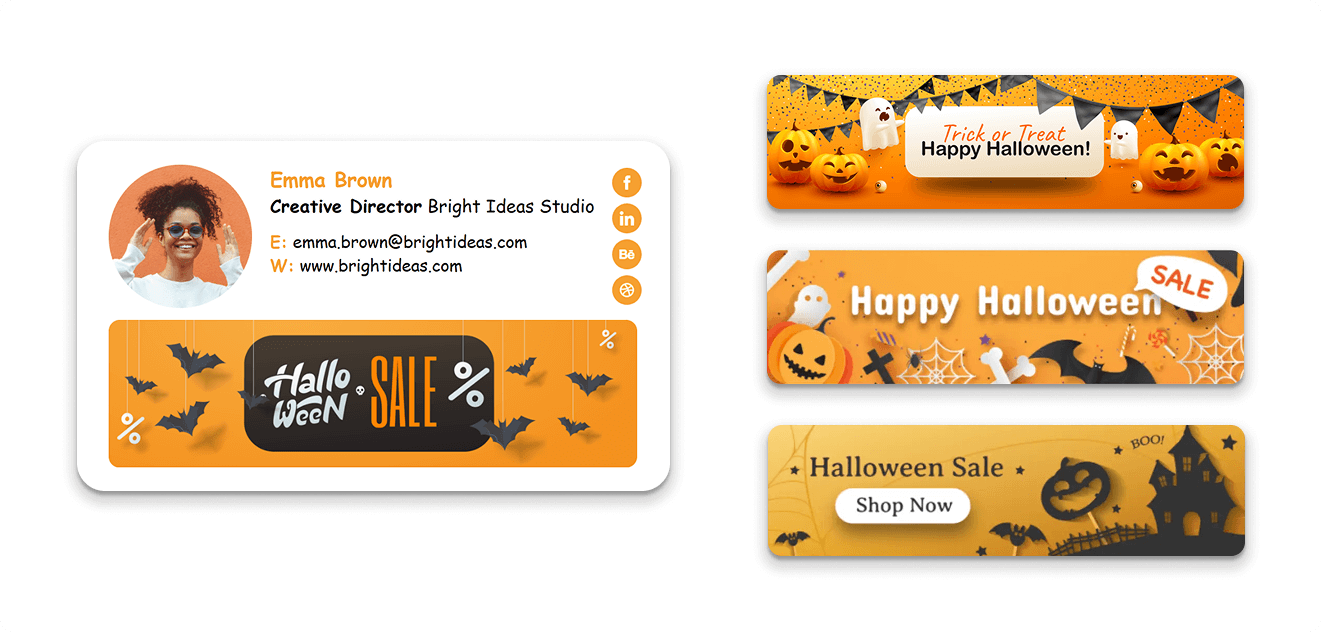
Halloween banners
Halloween thrives on fun and theatrics. These banners lend themselves to bolder design choices that would feel out of place at other times of year. The classic black-and-orange palette works well, but you can push further with deep purples or eerie green highlights.
What to include in the Halloween email signature:
- Icons and accents: bats, spiderwebs, pumpkins, or autumn leaves.
- Text styling: bold fonts or hand-drawn lettering for a "haunted" vibe.
- Greeting ideas: "Happy Halloween" or "Wishing you a delightfully spooky season."
For banners, you might go theatrical with a wide header featuring a haunted-house silhouette, or take a minimalist approach with a transparent strip dotted with small bats.
Thanksgivings banners
Thanksgiving is rooted in gratitude and togetherness, and a holiday signature email for this occasion should reflect sincerity. Warm tones — deep orange, golden yellow, and rustic browns — instantly set the mood.
Strong design options include:
- A small cornucopia or turkey illustration near the sign-off.
- A leaf pattern framing the bottom of the banner.
- Subtle textured backgrounds (linen, parchment, or wood grain).
Instead of Halloween's boldness, Thanksgiving email signature banners work better when understated. Pair your holiday email signature pictures with greetings like:
- "Wishing you a season of gratitude."
- "Happy Thanksgiving to you and yours."

Tip: This holiday also offers a chance to align your brand with thankfulness. If your team is running a seasonal campaign, the banner could link to a charity initiative or community project.
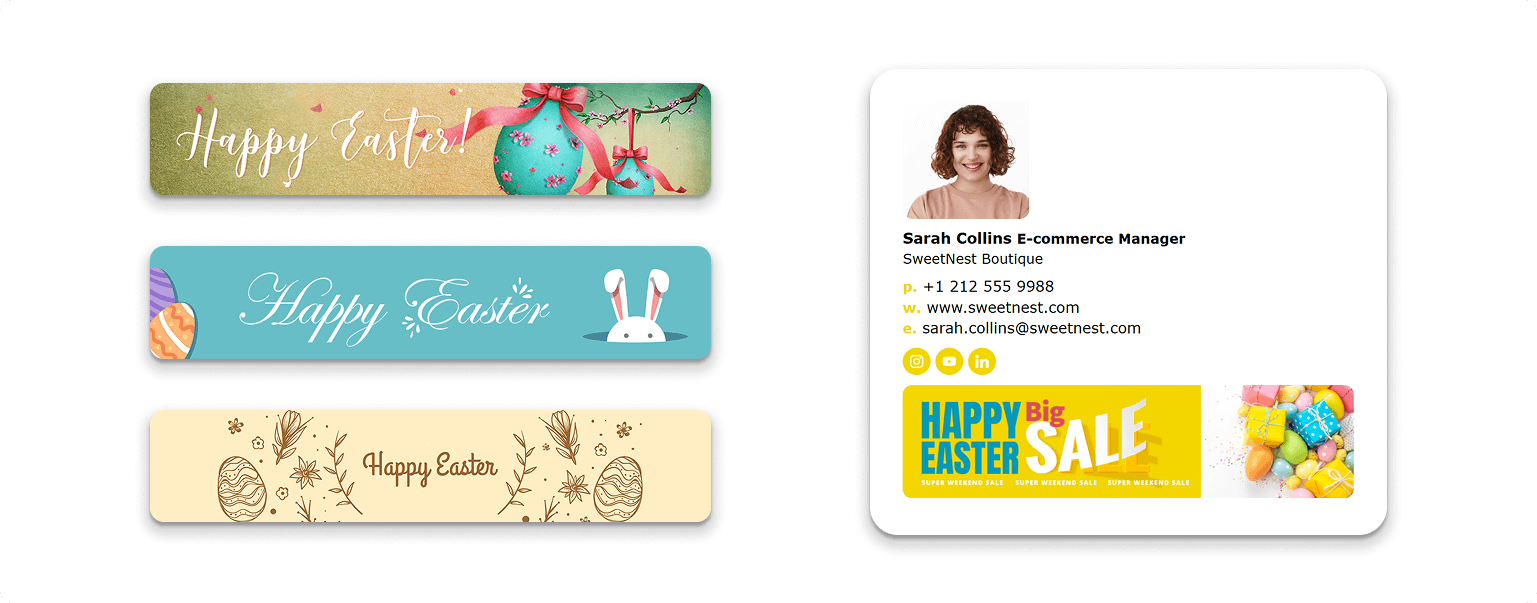
Easter banners
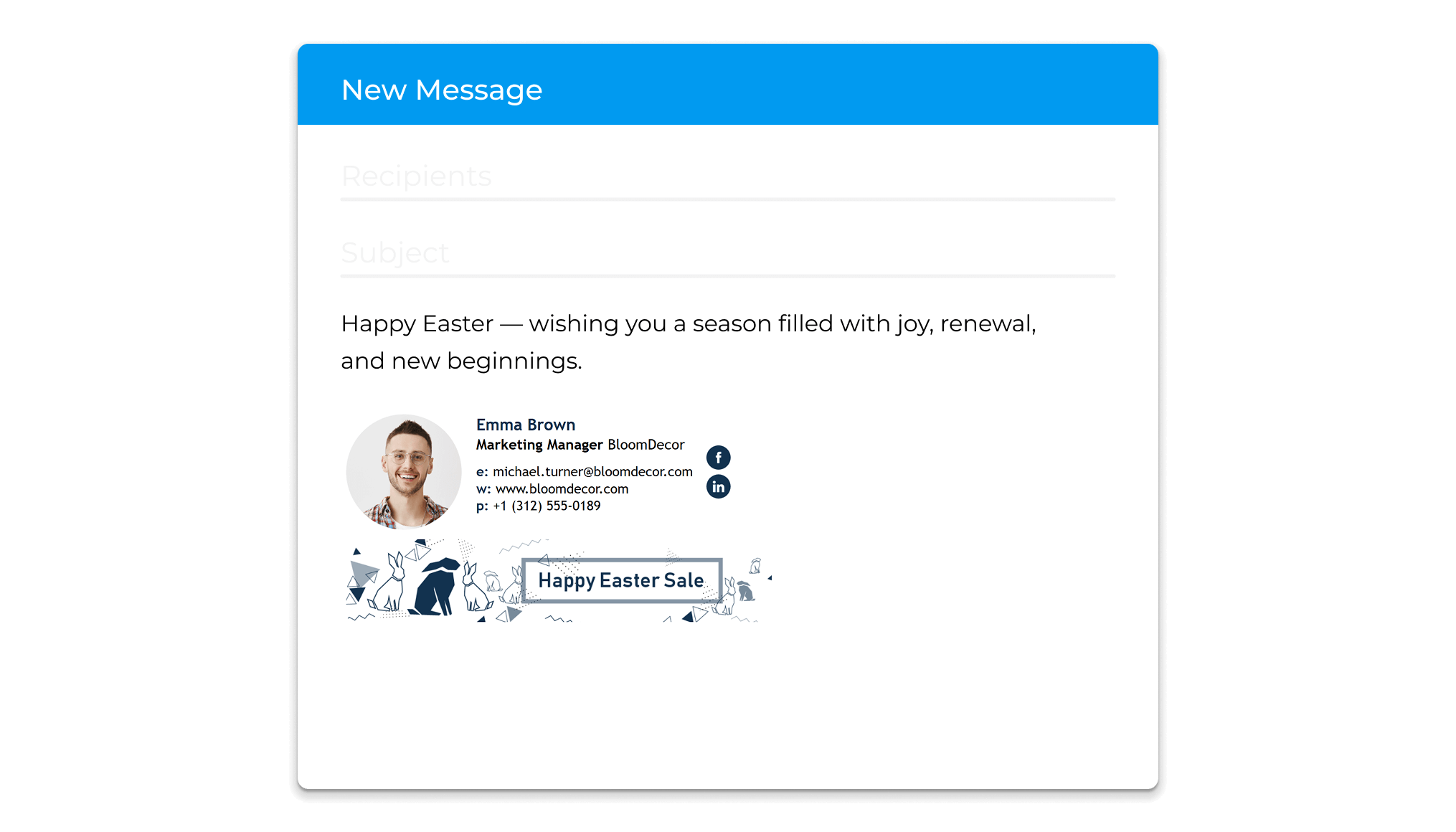
Easter email signatures have a light, uplifting character. Think soft pastels and delicate motifs rather than high-contrast visuals. The themes of renewal and spring are central here, so avoid heavy, wintry elements.
Suggested features:
- Use pale yellows, lavender, mint, and sky blue as accent colors.
- Icons like decorated eggs, rabbits, or budding flowers.
Banner ideas range from a watercolor-style background with gentle egg illustrations to a minimal transparent frame with a few scattered blossoms. Where Thanksgiving signatures evoke comfort, Easter designs feel fresh and rejuvenating, almost like a reset for your seasonal communications.
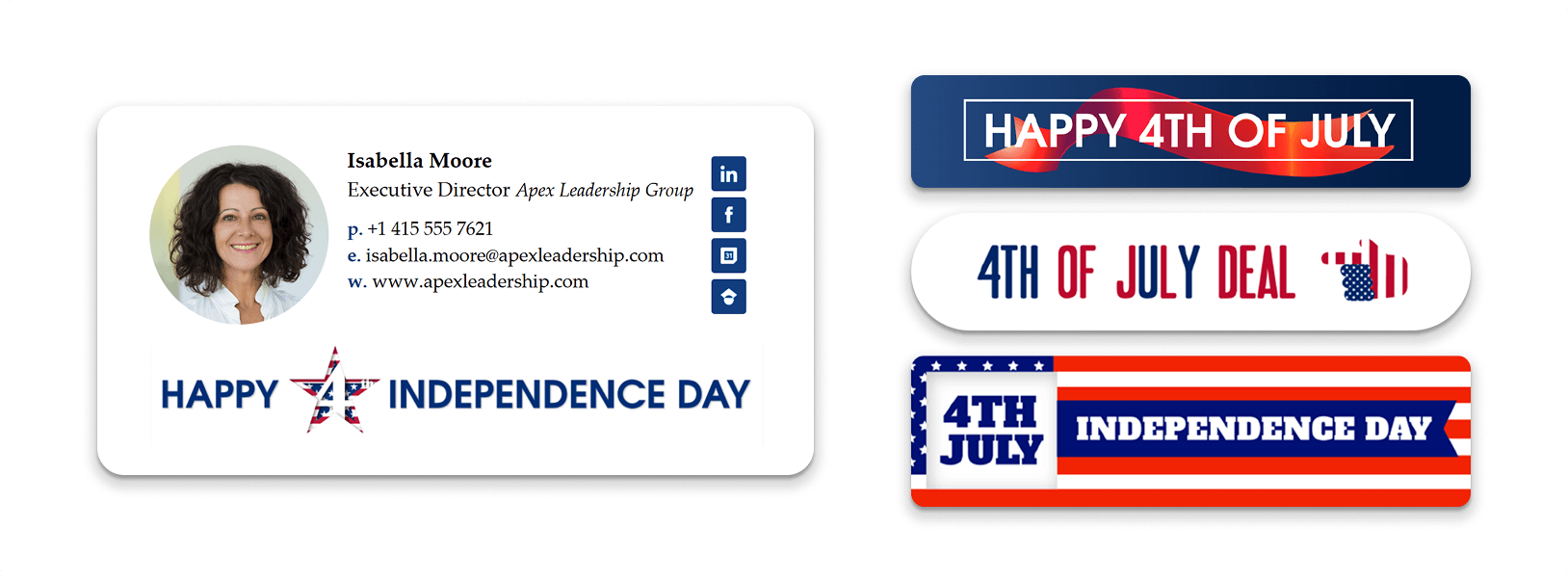
4th of July banners
The 4th of July demands boldness. Red, white, and blue are the non-negotiable foundation, and design elements like stars, flags, and fireworks bring energy to the 4th of July email signature.
Consider these options:
- A header with a waving American flag and bold type announcing "Happy Independence Day."
- A slim transparent bar featuring small stars or sparklers at the edges.
- A campaign-driven banner promoting limited-time offers in patriotic colors.
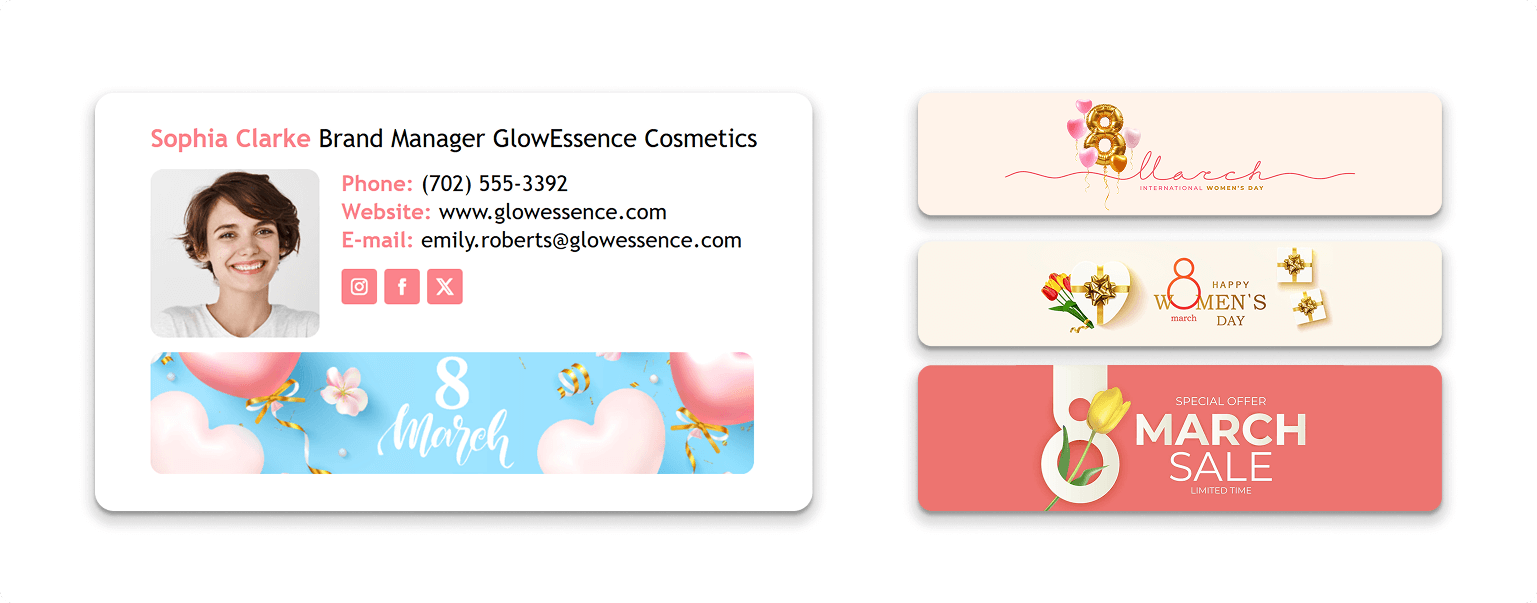
International Women's Day banners (March 8th)
International Women's Day carries a respectful but uplifting tone, setting it apart from the lighter, more playful holidays. The colors most often associated with the day — purple, green, and white — represent dignity and equality.
For a happy holiday email signature, consider a minimal floral line graphic, or a banner with a simple design and a short empowering message. If you prefer something understated, a transparent strip with a single flower motif can frame the signature subtly without distracting from the content
Valentine's Day banners
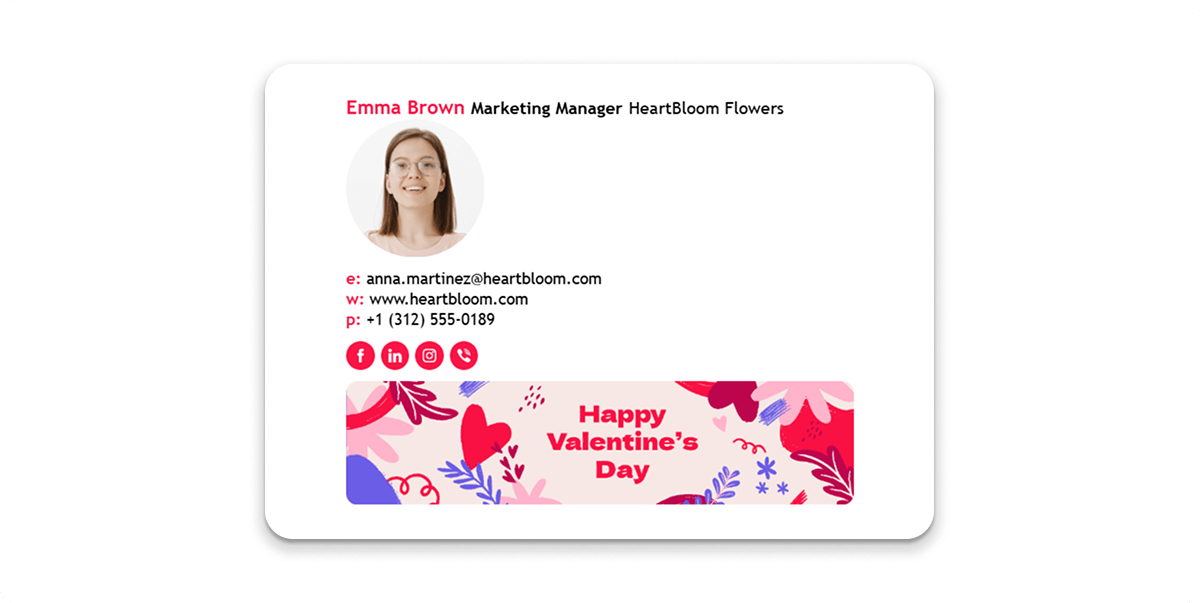
Unlike International Women's Day, which calls for restraint, Valentine's holiday email signature designs can afford to be more playful while still professional. Red and pink are obvious choices, though muted golds or rose shades can feel more elegant.
Popular banner design choices for this occasion include heart outlines in dividers or icons and subtle background patterns (like polka dots or brush strokes).
Christmas banners
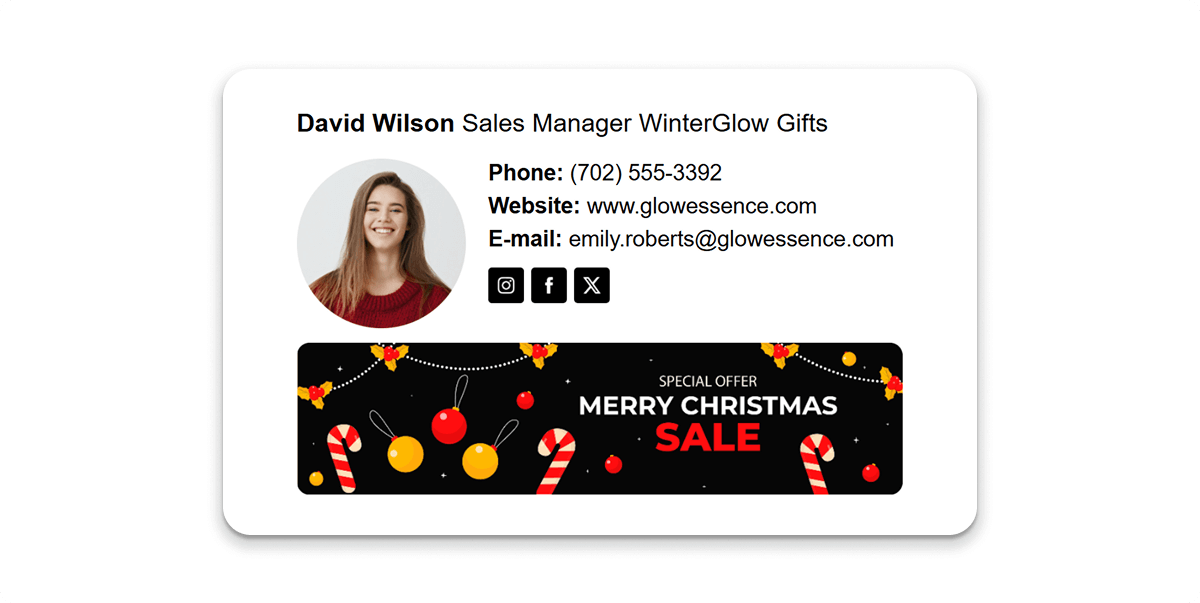
Christmas is one of the busiest times for businesses, and even a small holiday email signature can help you stand out in crowded inboxes. A festive Christmas email signature banner is a simple way to spread cheer while keeping your brand top of mind, whether you're emailing a long-time client or a new lead.
Stick with traditional elements: rich reds, deep greens, touches of gold, and familiar motifs like trees, ornaments, or a snowflake. For a softer touch, a slim transparent strip with falling snow works just as well. Bonus points if you go for an animated version!
Black Friday banners
Finally, Black Friday email signature is the most unapologetically commercial entry on this list. Instead of greetings, the focus is on urgency and visibility. Black, white, and high-contrast accents like neon green or red dominate.
Some of the best Black Friday banner concepts are:
- A bold black bar with large white "Black Friday" text.
- A minimalist transparent banner that uses oversized typography only.
- Campaign-driven graphics featuring countdowns or "Today Only" calls to action.

New Year Email Signature Banners
The New Year marks the end of the holiday season. A good signature helps you say thank you and look ahead. Use clean designs with colors like gold, silver, midnight blue, and white. Add small touches like sparklers or confetti.
Here are two ideas:
- Minimal Sign-off Banner: A clear strip with gold stars and the text "Here's to a Bright New Year."
- Illustrated Banner: A dark blue background with confetti and bold numbers for the new year. Link it to your latest content or a "Year in Review" page.
Tip: Keep the design lighter than your Christmas signature. A short line and one visual element are enough.
How to Design a Holiday Email Signature
Don't treat a holiday signature email as a last-minute tweak. While the design may look small, it represents your brand in every email you send during the festive season. To make the most of it, your signature design should align with the broader holiday marketing campaign you're running—from the visual style to the tone of your communications. A thoughtful approach ensures brand consistency and avoids the risk of your signature looking disconnected from the rest of your outreach.
Colors, Icons, and Fonts
The quickest way to make your signature feel polished is to keep it consistent with your existing brand style. If your logo is minimal and modern, use the same clean lines and subdued shades in your holiday email signature design. That way, the design feels like an extension of your brand rather than a random seasonal add-on.
Seasonal color accents work best when chosen carefully. A quick guide:
- Christmas: deep red, forest green, gold
- Black Friday: black, white, neon green or red highlights
- Easter: pastel lavender, mint, pale yellow, sky blue
- Halloween: orange, black, purple
- Valentine's Day: red, pink, rose gold
- 4th of July: red, white, blue
- International Women's Day: purple, green, white
- Thanksgiving: warm orange, golden yellow, earthy brown
Limit yourself to one or two accent colors. Too many will clash and distract.
Icons bring personality, but they need to be high-resolution and properly placed. A tiny snowflake next to your greeting line can look charming; a pixelated tree shoved into the corner will look sloppy. The placement matters as much as the design itself — an icon or illustration should frame your information, not compete with it.
Fonts deserve equal attention. Stick with widely supported web-safe fonts to prevent broken layouts across different email clients, including Outlook. If you want a seasonal twist, consider subtle variations in weight or style instead of ornate, hard-to-read fonts.
Adding a Holiday Greeting Line
A simple greeting line transforms a standard sign-off into something memorable. Done well, it adds warmth without taking up much space. The key is balance: keep it short, personal, and aligned with your business communications style.
For example:
- “Wishing you Happy Holidays from all of us at [Company].”
- “Season’s Greetings — here’s to a bright year ahead.”
- “Merry Christmas and thank you for your continued support.”
This line can sit directly above your banner or beneath your contact details. Unlike the design elements, which set the tone visually, the greeting line carries the sentiment. It’s a quick way to show thoughtfulness while reinforcing the festive spirit of your holiday email signature.
Including Holiday Hours or Availability
The holiday season often comes with adjusted schedules. Your holiday email signature is a smart place to flag changes in availability so clients and partners aren’t left guessing. A timely update is highly practical as it signals professionalism and respect for your recipients’ time.
Consider adding a short note such as:
- “Our offices will be closed from December 24 to January 2.”
- “Limited support during the Thanksgiving weekend.”
- “We’ll resume normal hours on January 3.”
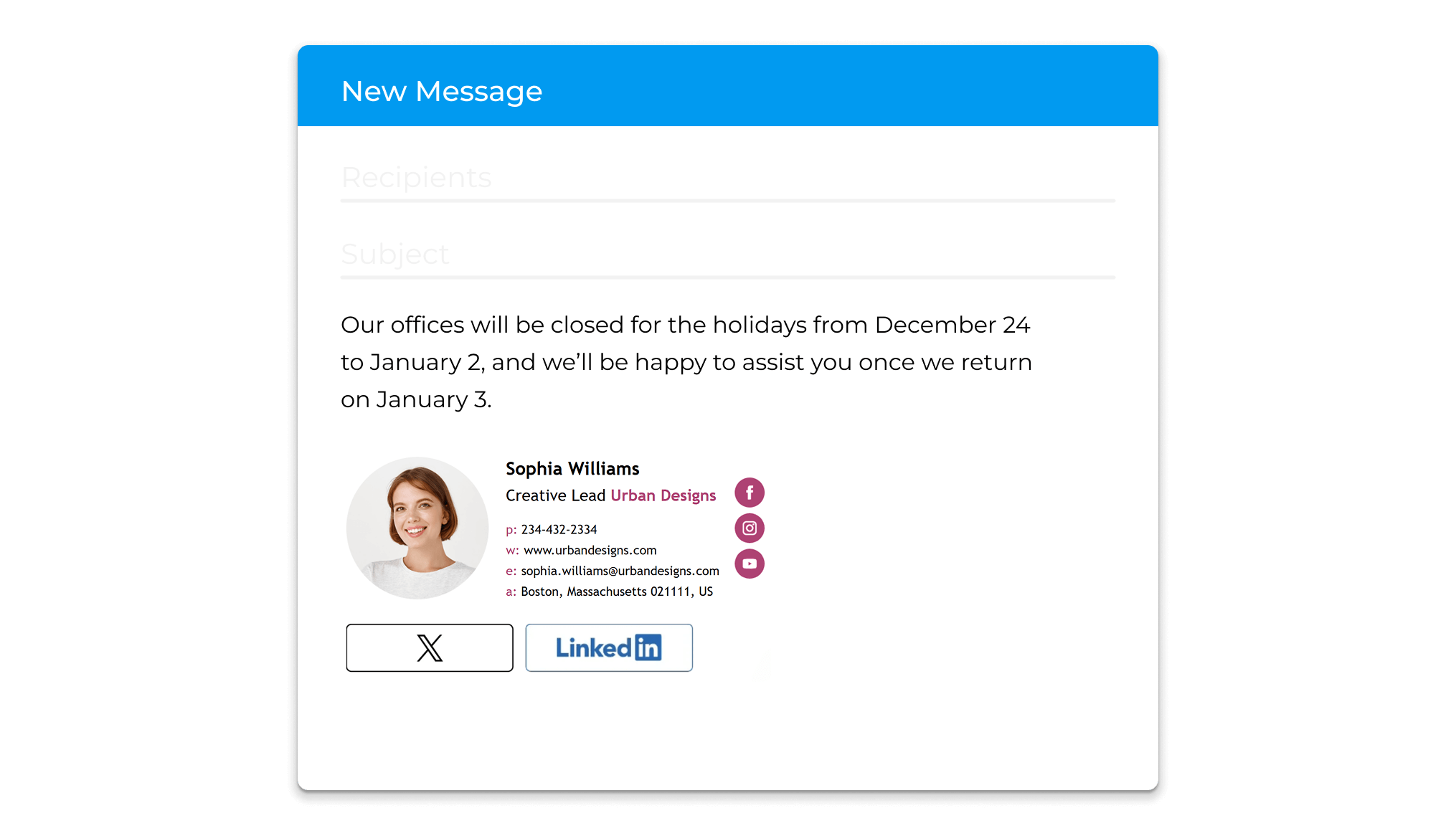
Tip: This information can be styled in a smaller font size or lighter color to avoid distracting from the main content while still being easy to spot.
Tips for Writing a Festive Greeting in Your Signature
You can place a festive line directly in your holiday email signature or build it into the banner itself. Both approaches work — the key is to keep the wording professional, warm, and aligned with your broader holiday marketing:
- Keep it short: One line is enough to send your holiday wish without overwhelming the signature.
- Match the tone to your audience: Use friendly phrasing for client-facing emails and a more formal greeting for B2B communications.
- Be inclusive: If you're emailing an international target audience, "Happy Holidays" or "Season's Greetings" may work better than specific religious references.
- Avoid clichés: Skip generic wording like "Warmest regards of the season" — write something natural and clear.
- Place it with intention: If the greeting is in the banner, don't repeat it in text; if it's in the sign-off line, keep the banner design cleaner.
- Keep formatting simple: Stick to plain text or a modest font style so the message is readable across different email clients.
Mistakes to Avoid in Holiday Email Signatures
A holiday email signature can elevate your communications—but only if you avoid common pitfalls. Here are the biggest ones to watch for:
- Overloading with visuals: Too many icons or oversized banners create clutter. Limit yourself to one or two festive elements that frame your details without stealing attention.
- Using poor image format or quality: A stretched JPEG or pixelated icon weakens your brand. Stick to high-resolution files and reliable formats like PNG for crisp results.
- Forgetting brand consistency: Seasonal touches should enhance, not replace, your identity. Keep your core logo, fonts, and main colors intact.
- Overly long greetings: Festive lines work best when short and clear. If your message takes more than one sentence, trim it down.
- Ignoring accessibility: Low contrast between text and background can make your signature unreadable. Always check visibility across devices.
- Skipping functionality checks: Some fonts and image sizes break in certain email clients. Test across platforms before launching your campaign.
- Leaving out practical info: If your hours or availability change during the season, make that detail easy to spot.
Handled correctly, your happy holiday email signature reinforces professionalism, spreads cheer, and supports your seasonal campaigns instead of distracting from them.
Create a Free Holiday Email Signature
A holiday email signature helps individuals share a seasonal greeting in every message and gives teams a way to keep branding consistent during the busiest time of year. It’s an easy, low-cost addition that strengthens relationships and supports your holiday marketing campaigns without extra effort.
Managing these updates manually can be time-consuming, especially across an entire company. That’s why solutions like those featured in our best email signature software guide are worth exploring. Newoldstamp streamlines the process, letting you design and roll out festive signatures that look professional in every inbox.
To set up your holiday signature with Newoldstamp:
- Sign up for Newoldstamp. Already have an account? Simply log in.
- Create a new signature or edit the one you’re currently using.
- Add a holiday banner — choose from the gallery or upload your own design.
- Save and install your updated signature in your email client.
It’s quick, intuitive, and built for teams who want to stay consistent during the busiest time of year. Ready to give your emails a festive upgrade? Try Newoldstamp today.

Frequently Asked Questions About Holiday Email Signatures
What should a professional holiday email signature include?
A professional holiday email signature should start with your name, job title, company, and contact details. Next, include a short holiday greeting. You can add a seasonal banner or icon if you like, but keep the design simple so the important information is easy to find.
How do I add a holiday signature in Gmail or Outlook?
To create an email signature, use a signature generator to design it and copy it. Go to your email settings—"Settings" in Gmail or "Mail > Signatures" in Outlook. Paste the signature into the field and save it. Finally, send a test email to check that everything looks correct.
Should I use a holiday season email banner or a text greeting?
A text greeting is good for a simple, business-focused signature. A holiday season email banner works better for visual branding or promoting offers. You can use both as long as the text and banner messages are different.
When should I add and remove a seasonal signature?
Turn on your seasonal signature just before the holiday or when your campaign begins. Turn it off right after the holiday ends. If your company uses a shared signature, you can manage it centrally. This lets you update the signature for the whole team at the same time.
Can I use holiday email signatures for business email communications?
Yes. Holiday email signatures work well for B2B, sales, and client communication, as long as they stay professional and match your brand. A simple greeting and one tasteful visual are usually enough.
How can I update holiday email signatures for my entire team?
You can ask each employee to update their email signature on their own, but this often leads to different designs and missed updates. Instead, use centralized signature management to change the banner and

