

Best Email Signature Management Software & Tools for Teams in 2026
- How We Evaluated the Best Email Signature Management Software
- Email Signature Management Software Comparison Table
- Top Email Signature Management Software Tools, Reviewed (2026)
- Other email signature software worth considering
- What Is Email Signature Management Software?
- Email Signature Management Software vs Email Signature Generator
- Key Features to Look for in Email Signature Management Software
- Best Email Signature Management Tools by Use Case
- How to Choose the Best Email Signature Management Tool
- Free vs Paid Email Signature Management Tools
- Common Mistakes When Choosing Email Signature Management Software
Email signature management software helps teams centrally create, deploy, update, and track branded signatures across Microsoft 365, Google Workspace, Outlook, Gmail, and other email clients
Good email signature management software helps you add social media icons, marketing banners, and call-to-action (CTA) buttons. This boosts your brand's visibility. It works well with Microsoft 365, Office 365, Google Workspace, and Outlook. Whether you are a small startup or a large company, the right signature manager saves you time and makes your email communications look professional.
This guide looks at the best email signature management software and tools. It focuses on key aspects such as centralized control, automation, integrations, compliance, analytics, and scalability. Whether you need centralized control over email signatures for a small team or for a large organization, you will find clear recommendations here.
Quick Answer: Best Email Signature Management Tools in 2026
- Best Overall for SMBs & Marketing: Newoldstamp
- Best for Freelancers & Solopreneurs: MySignature
- Best for Multi-Brand Setup & Ease of Use: WiseStamp
- Best for Pure Microsoft 365 Environments: CodeTwo 365
- Best for Global Enterprise Compliance: Exclaimer
How We Evaluated the Best Email Signature Management Software
We looked for the best email signature software by checking real user reviews on G2, Capterra, and TrustRadius. We tested the tools to assess their ease of use, compatibility with Microsoft 365 and Google Workspace, and seamless integration with CRMs like Salesforce.
We scored them on key areas: setup speed, customization (like font choices and design options), security, and analytics for tracking clicks on banners and social media links. We also checked pricing, from free tools to enterprise plans, and support for responsive HTML signatures that work on mobile and desktop.
Choosing the best email signature software requires balancing design flexibility with strict backend compatibility. These factors directly influenced rankings: tools excelling in need centralized control over email signatures, user sync, integrations, and analytics scored higher for email signature management software.
Why Trust This Comparison
This comparison of email signature software management platform comes from industry experts with years of experience in managing email signatures. We aim for transparency and objectivity in our reviews by using public data, testing each platform directly, and applying strict evaluation criteria. We focus on usability in real-world situations instead of marketing claims, so you receive an unbiased review of the best options for your organization.
Email Signature Management Software Comparison Table
|
# |
Tool |
Best For |
Starting Price |
Free Trial/Demo |
Key Integrations |
Best-fit company size |
|
1 |
Mid-large companies & marketing teams |
$1.3 per signature / per month |
Yes (Free trial) |
Google Workspace, Microsoft 365, Exchange, HubSpot, Salesforce |
Mid to large orgs (10 - 1,000+ employees) |
|
|
2 |
Freelancers & small teams |
$6per user / month for professional <$1 per user / month for teams |
No trial. Free limited signature |
Google Workspace and Office 365 |
Freelancers & Small businesses (1 - 50 employees) |
|
|
3 |
Multi-brand teams |
$1.90/user/mo |
Yes (Free Trial) |
Google Workspace, Microsoft 365 |
Small to mid enterprises (10 - 1,000 employees) |
|
|
4 |
Google Workspace & M365 orgs |
~$1/user/mo |
Yes (Free Trial) |
Google Workspace, Microsoft 365 |
Small to mid-sized teams (10 - 500 employees) |
|
|
5 |
Mid-large enterprises & marketers |
$75/mo (min. 10 sigs) |
Yes (Demo) |
Google Workspace, Microsoft 365, Exchange |
Mid to large enterprises (100 - 10,000+ employees) |
|
|
6 |
Small-mid companies & agencies |
$8/mo (includes 10 sigs) |
Yes (Free Trial) |
Google Workspace, Zoho, Google Sheets, Freshdesk |
Small to mid companies (5 - 100 employees) |
|
|
7 |
Microsoft 365 enterprises |
$1.22/user/mo |
Yes (Free Trial) |
Microsoft 365, Exchange |
Mid to large Microsoft-centric enterprises (50 - 100k+ employees) |
|
|
8 |
Large teams wanting campaign control |
$24/user/year |
Yes (Free Trial) |
Microsoft 365, Exchange, Outlook |
Large teams (50 - 500k employees) |
|
|
9 |
Global enterprises with heavy compliance |
$0.90–$1.75/user/mo |
Yes (Free Trial) |
Google Workspace, Microsoft 365, Exchange |
Large/global enterprises (100 - 100k+ employees) |
|
|
10 |
Mixed-platform mail environments |
~$1/user/mo |
Yes (Free Trial) |
Microsoft 365, Google Workspace, Exchange, Domino |
Mid-sized to large enterprises (50 - 5,000+ employees) |
Top Email Signature Management Software Tools, Reviewed (2026)
1. Newoldstamp

The absolute best overall email signature management platform for teams who want to combine administrative simplicity with marketing campaigns. Best For: Mid to large companies wanting to centrally manage email signatures and run banner campaigns.
Why We Picked It: It serves as a comprehensive email signature management platform that easily integrates with google workspace and microsoft 365. The admin dashboard is simple to use, offering the ability to easily generate a custom email signature for thousands of users in minutes.
⭐️ Rating: 4.7/5 G2
⚙️Integrations: Google Workspace, Microsoft 365, Exchange, HubSpot, Salesforce.
💳Free Trial/Demo: Yes, free trial available.
2. MySignature
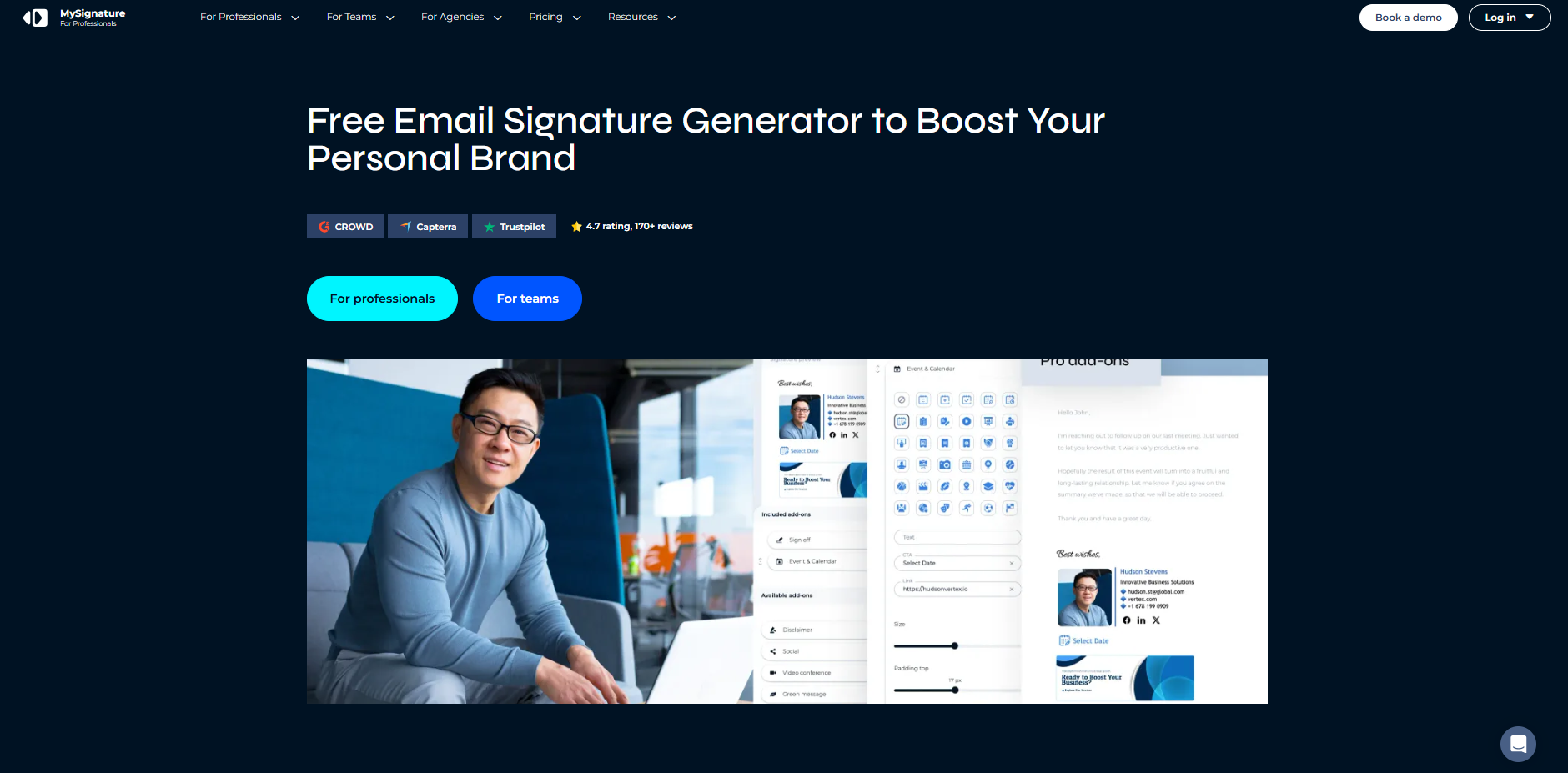
Perfect for freelancers, solopreneurs, and small agencies needing a simple, attractive, and fast signature tool. It lets users build stunning personalized email signatures without complex setup. It supports signature updates via a streamlined UI without needing complex technical skills.
⭐️ Rating: 4.7/5 G2
⚙️Integrations: Gmail, Outlook, Apple Mail
💳Free Trial/Demo: Free basic version
3. BulkSignature
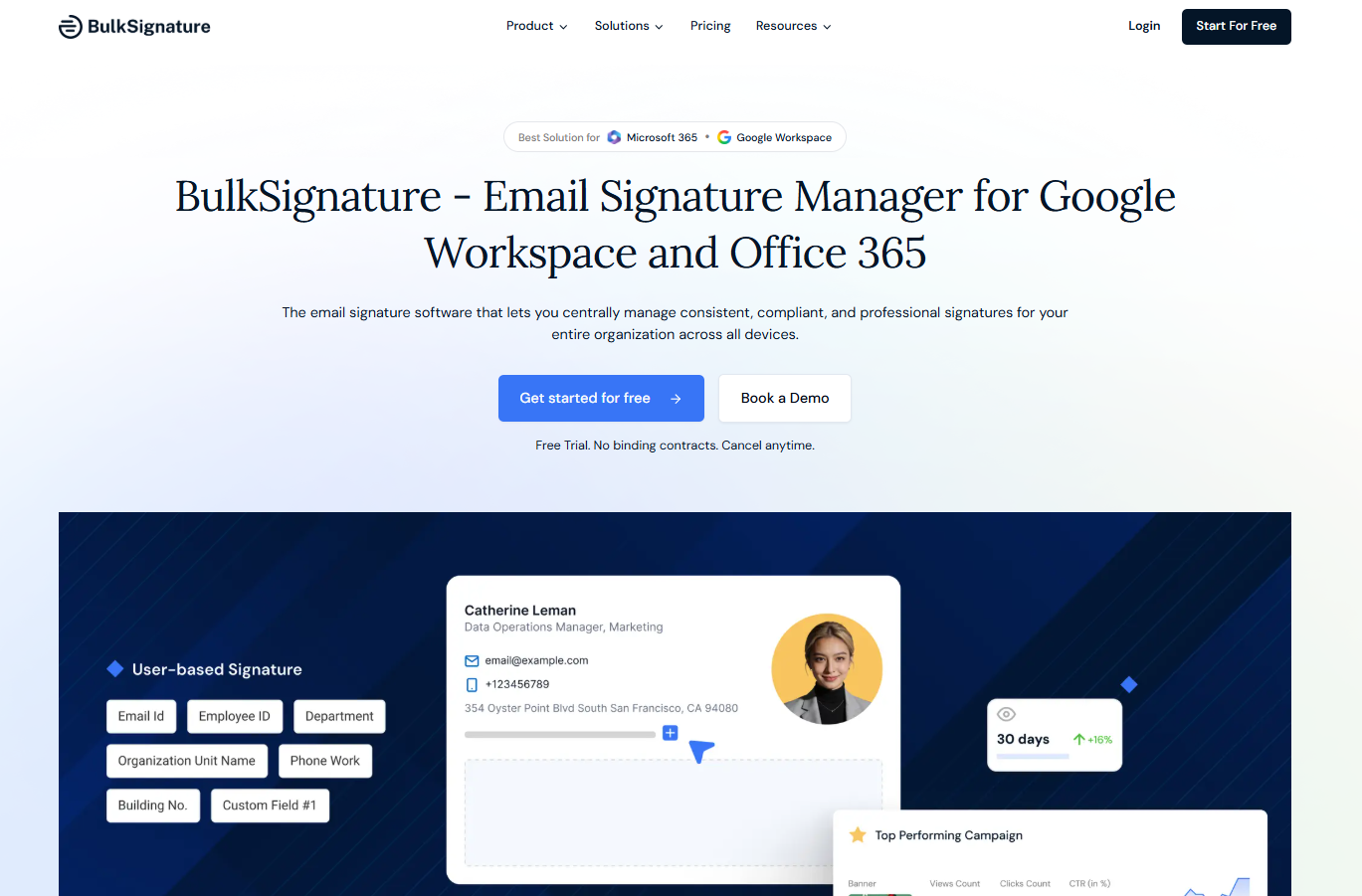
A highly reliable utility tool that specializes in bulk creation of professional signatures across an organization. Best for Google Workspace and Microsoft 365 organizations. It works as an efficient email signature manager focusing on standardizing the business email formatting. It automates massive data importing without a hitch.
⭐️ Rating: 5/5 G2
⚙️Integrations: Google Workspace, Microsoft 365.
💳Free Trial/Demo: Yes, free trial.
4. Wisestamp
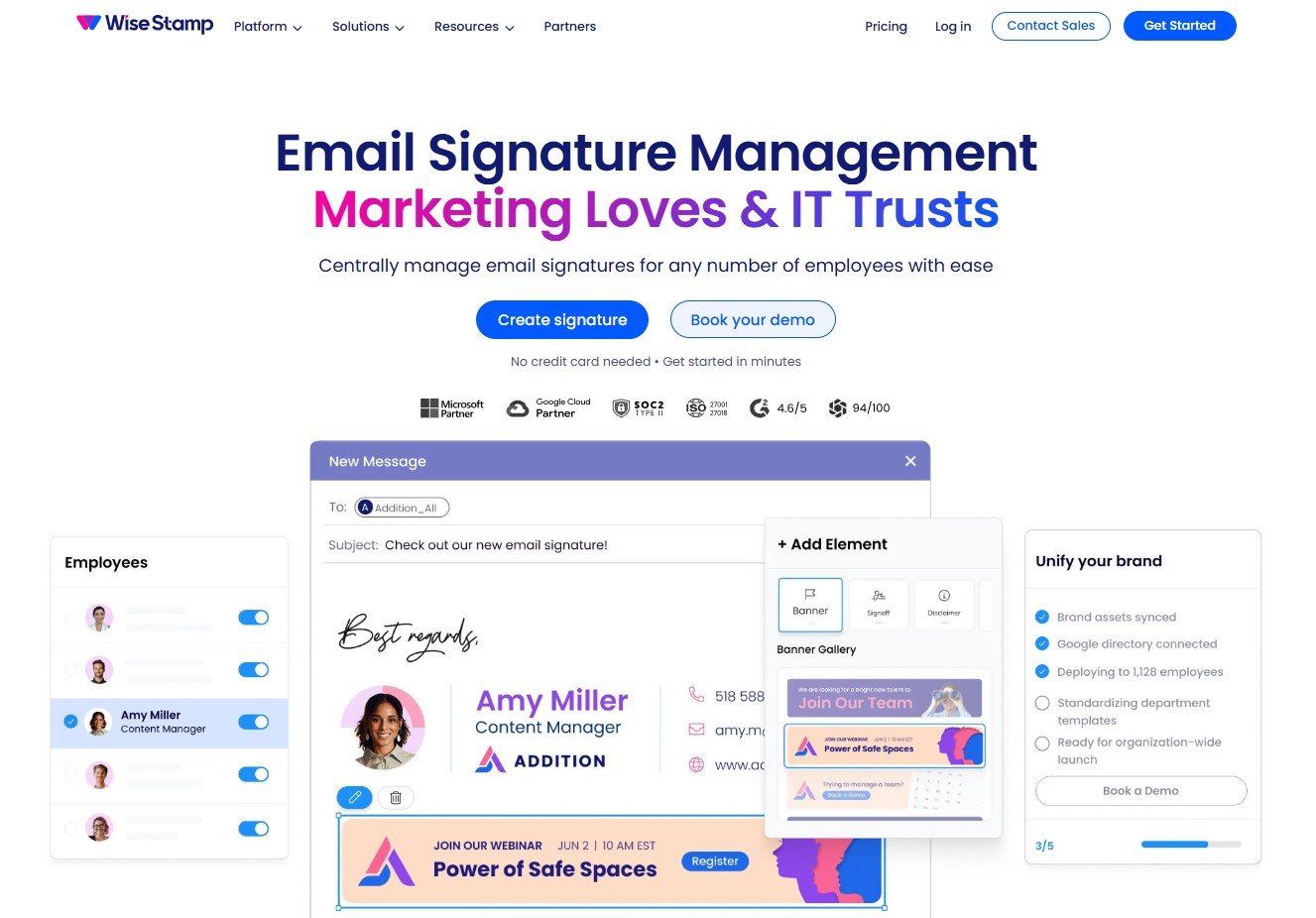
A highly customizable, popular tool that balances team signature control with beautiful, functional templates. Best for small to mid-sized businesses looking for rich design features. WiseStamp offers an intuitive dashboard where marketing teams can deploy different signature templates easily. We love its drag-and-drop editor and how easily you can customize signature layouts for various departments.
⭐️ Rating: 4.6/5 G2
⚙️Integrations: Google Workspace, Microsoft 365.
💳Free Trial/Demo: Yes, free trial.
Pro Tip: Compare Wisestamp with Newoldstamp
5. Rocketseed
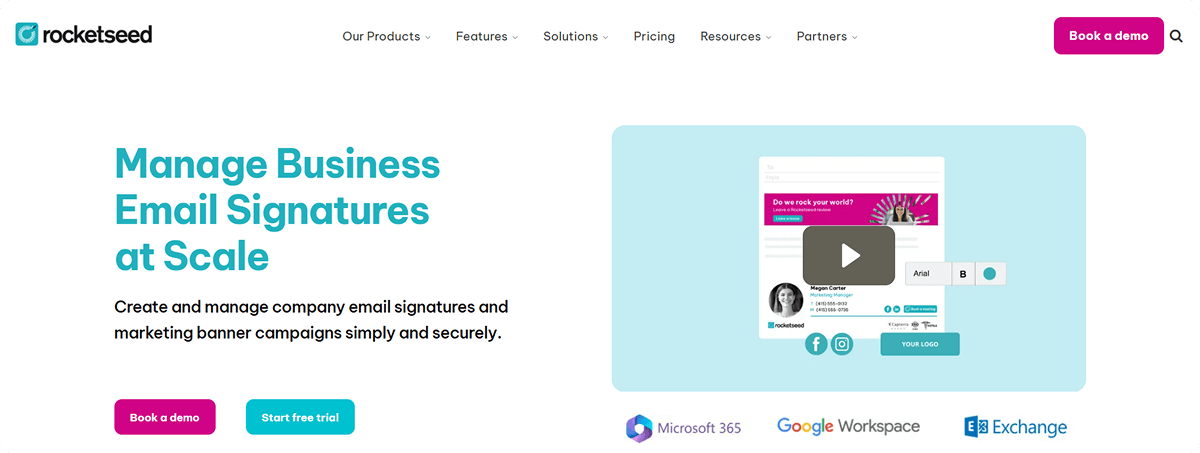
An enterprise-level solution built specifically to transform everyday business communication into a structured marketing pipeline. Best for mid- to large enterprises heavily focused on marketing and dynamic campaigns. It transforms employee email into an active channel for email marketing and lead acquisition. Its analytics and banner tracking capabilities are exceptionally granular.
⭐️ Rating: 4.6/5 G2
⚙️Integrations: Google Workspace, Microsoft 365, Exchange.
💳Free Trial/Demo: Yes, demo available.
6. Bybrand
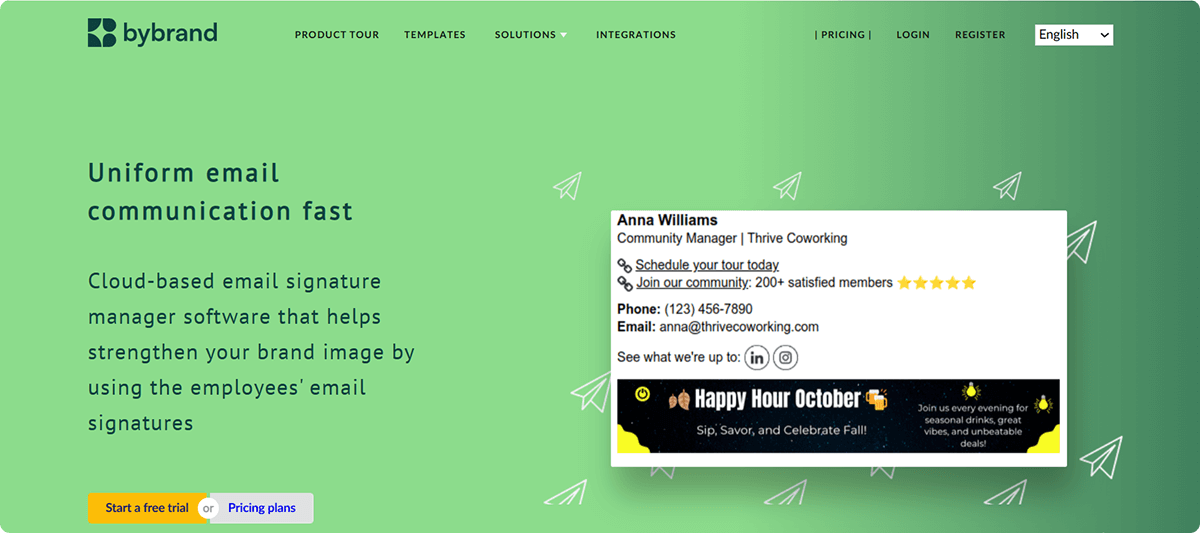
A sleek, user-friendly SaaS platform focused on helping agencies and mid-sized companies manage multiple clients or brands. Best for small to mid companies and agencies. Bybrand excels at deploying professional email signatures across multiple third-party helpdesks and platforms, making it highly versatile for client-facing organizations.
⭐️ Rating: 4.7/5 G2
⚙️Integrations: Google Workspace, Zoho CRM, Zoho Desk, Google Sheets, Freshdesk
💳Free Trial/Demo: Yes, free trial
Pro Tip: Compare ByBrand with Newoldstamp
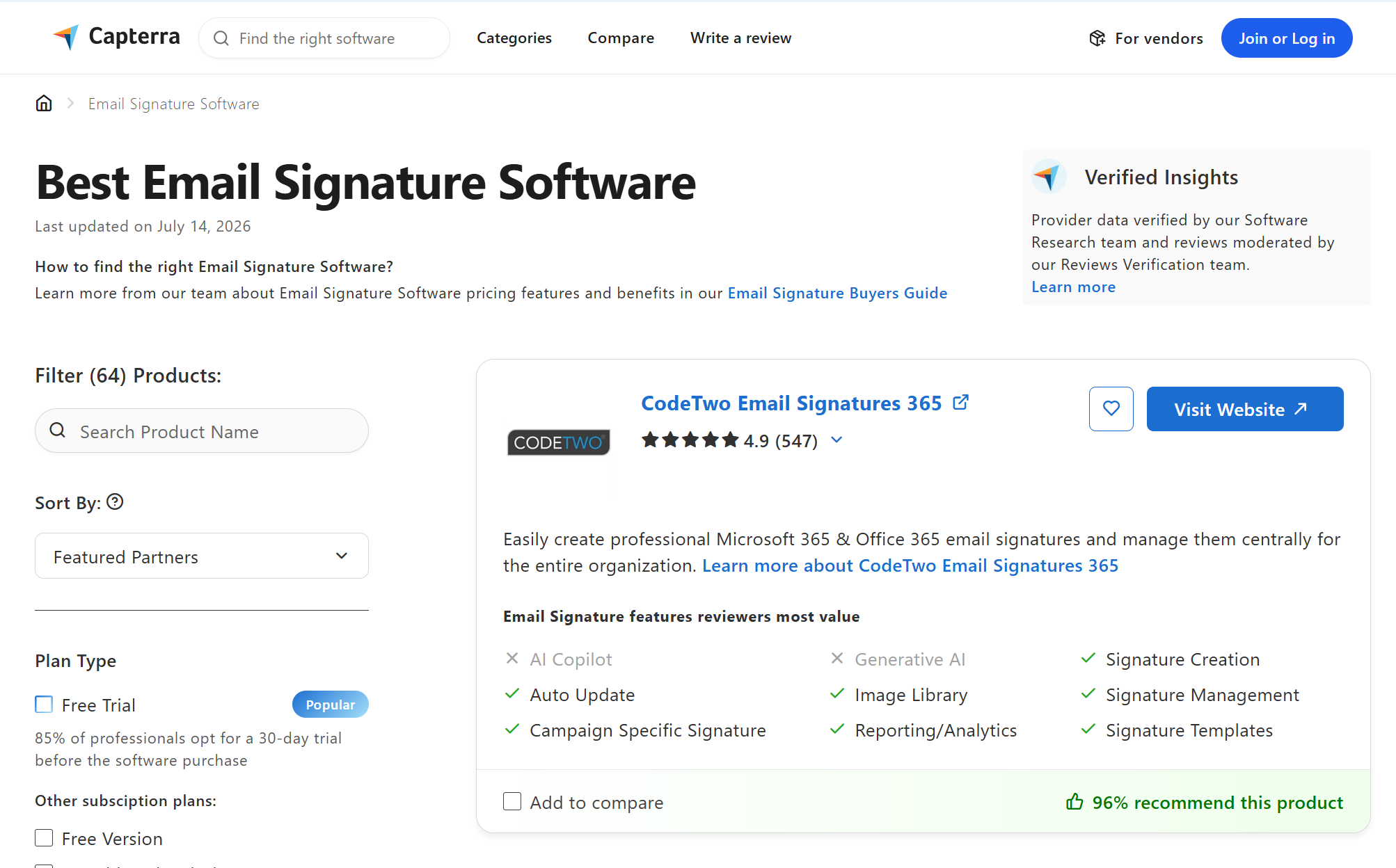
7. CodeTwo Email Signatures 365
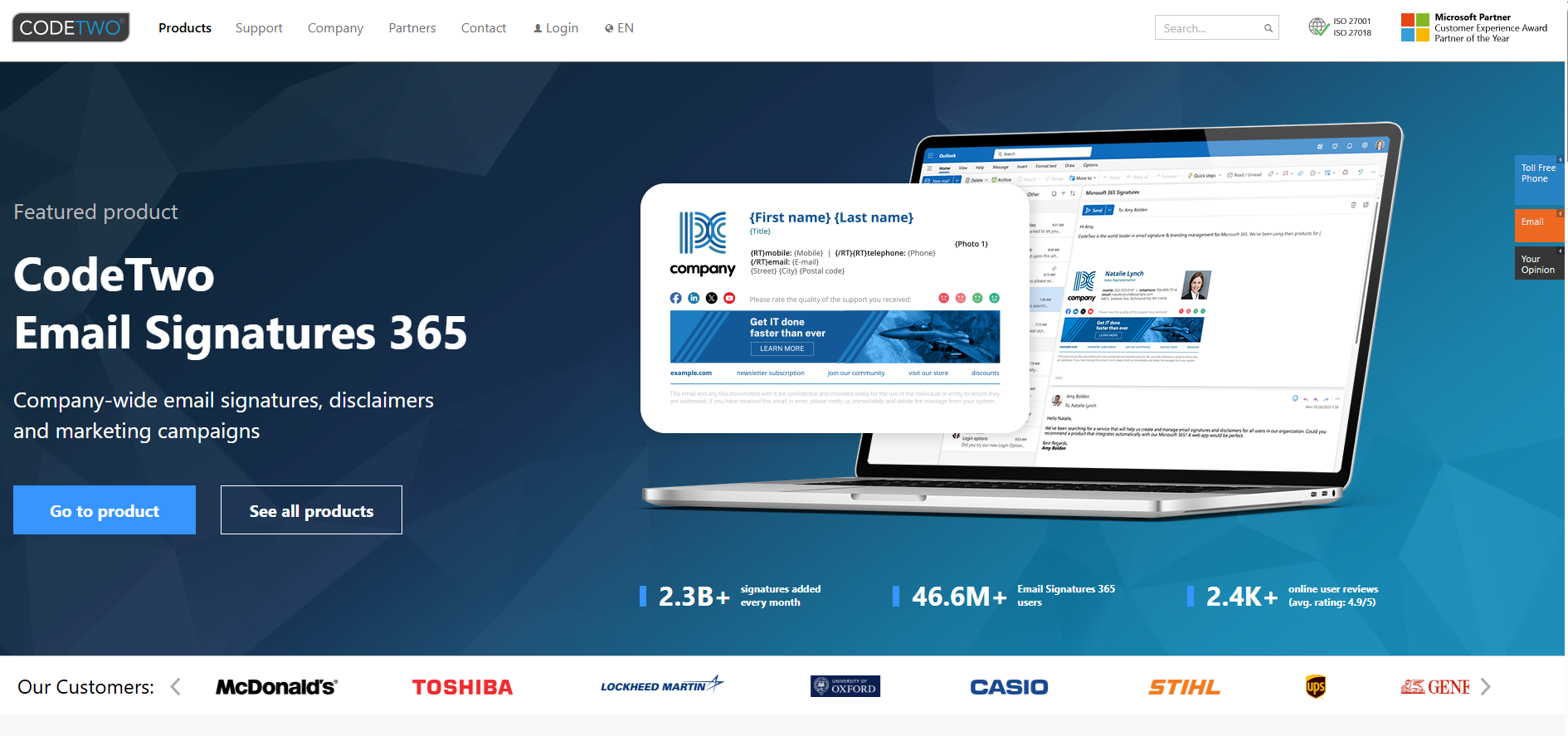
The undisputed heavyweight for native, reliable, and automated email signatures in pure Microsoft 365 environments. Best for Microsoft 365 enterprises. CodeTwo enables flawless integration of unified signatures across Microsoft 365 and on-premises Exchange servers. It also integrates neatly with automatic replies and email marketing automation systems, syncing directly with Azure Active Directory.
⭐️ Rating: 4.8/5 G2
⚙️Integrations: Microsoft 365, Exchange, Outlook.
💳Free Trial/Demo: Yes, free trial
Pro Tip: Compare CodeTwo with Newoldstamp
8. Letsignit

Highly scalable platform ideal for large-scale administrative control over thousands of mailboxes. Best for large teams (50 to 500,000 users). It provides an easy-to-use central dashboard where IT and Marketing teams can collaboratively push updates without interrupting end users.
⭐️ Rating: 4.5/5 G2
⚙️Integrations: Microsoft 365, Exchange, Google Workspace.
💳Free Trial/Demo: Yes, free trial
9. Exclaimer
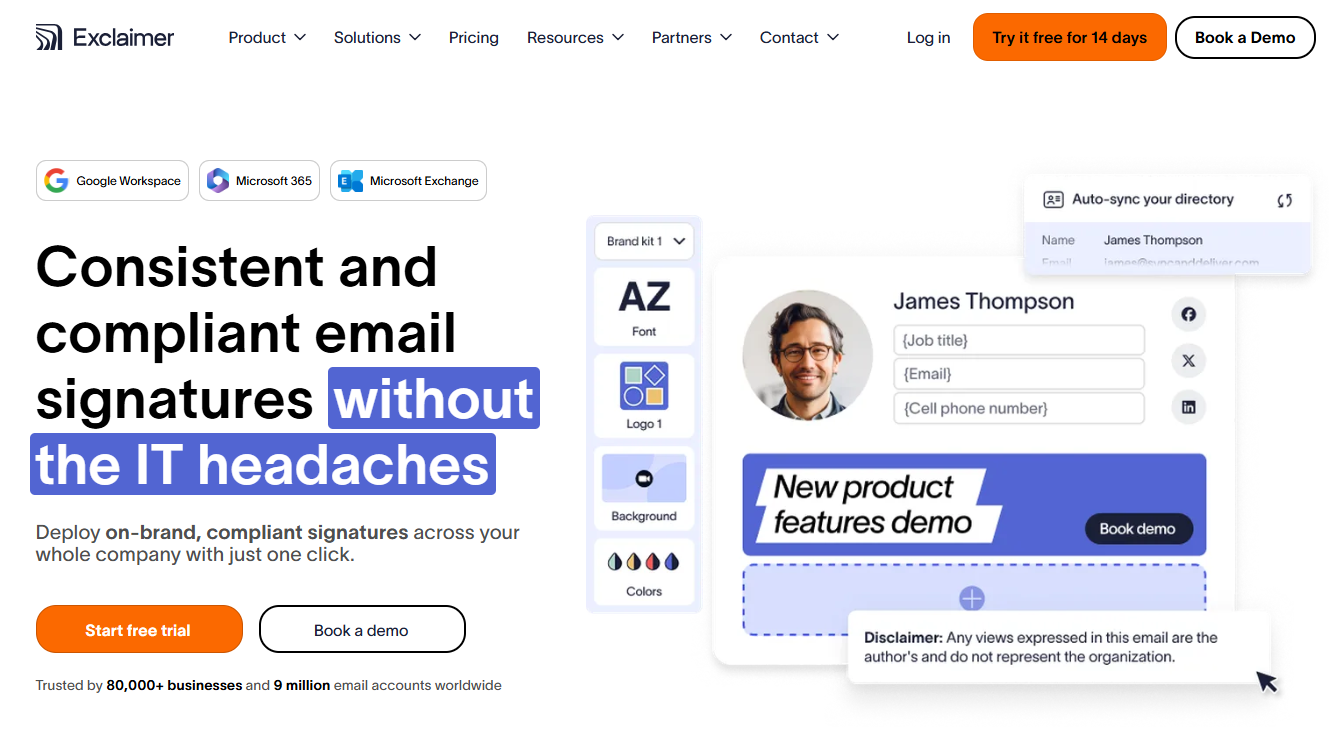
A globally compliant, secure, and robust platform designed for scale-ready enterprises. Best for global enterprises with strict IT security demands. Perfect for organizations that need centralized control over email formatting. Exclaimer offers unmatched security protocols, including Microsoft 365 multi-tenant support. It will ensure email security while maintaining a fully compliant email posture.
⭐️ Rating: 4.5/5 G2
⚙️Integrations: Microsoft 365, Exchange, Google Workspace.
💳Free Trial/Demo: Yes, free trial
Pro Tip: Compare Exclaimer with Newoldstamp
10. Crossware Email Signature
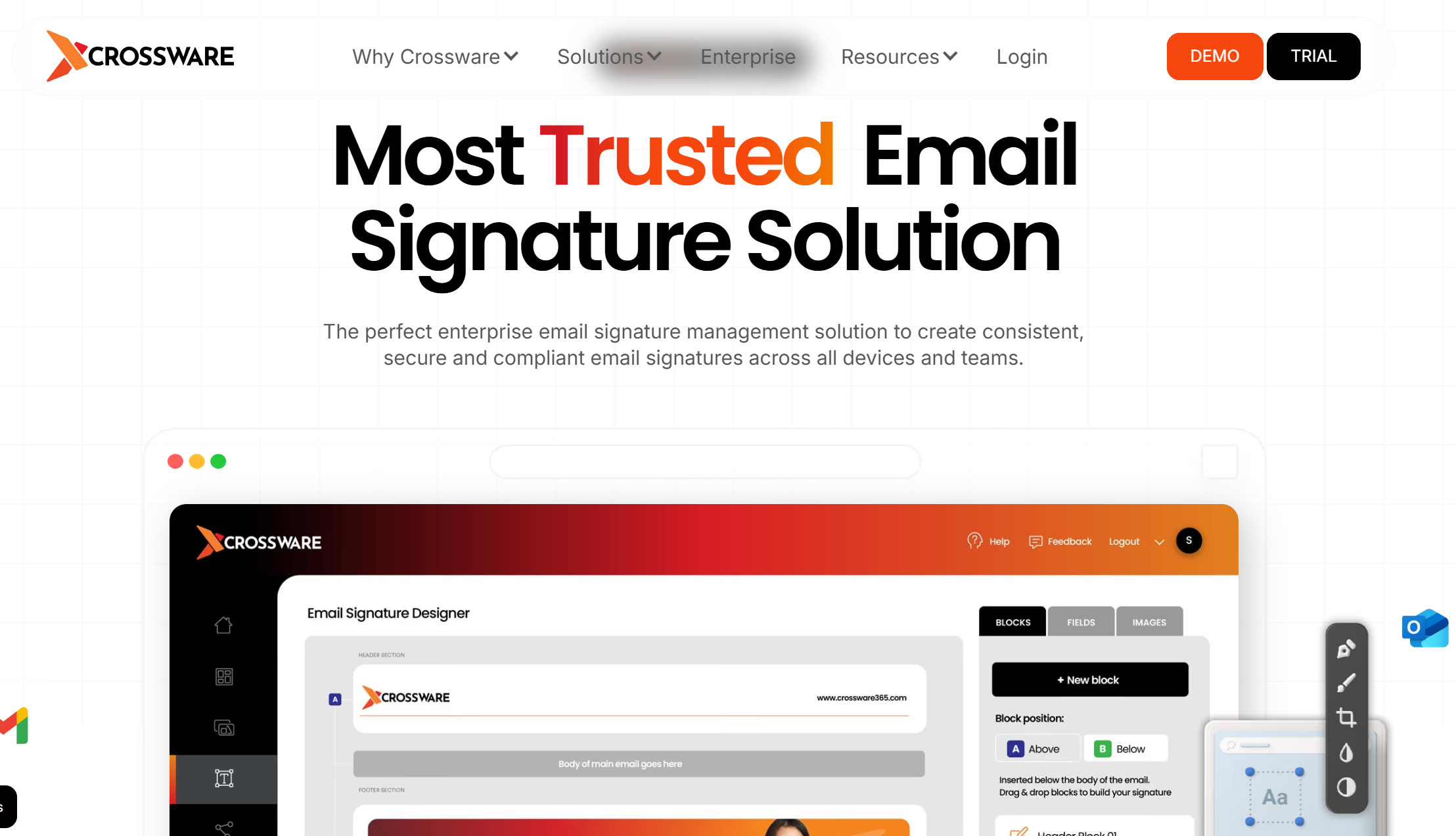
A multi-platform server-side signature editor designed for highly complex, heterogeneous mail server environments. Best for mixed mail environments (Lotus/Domino + Microsoft + Google). Crossware is a robust management platform that appends signatures at the server level, ensuring they render perfectly on all email apps and devices.
⭐️ Rating: 4.8/5 G2
⚙️Integrations: Microsoft 365, Exchange, Google Workspace, HCL Domino
💳Free Trial/Demo: Yes, free trial
Pro tip: Compare Crossware with Newoldstamp
11. Signitic
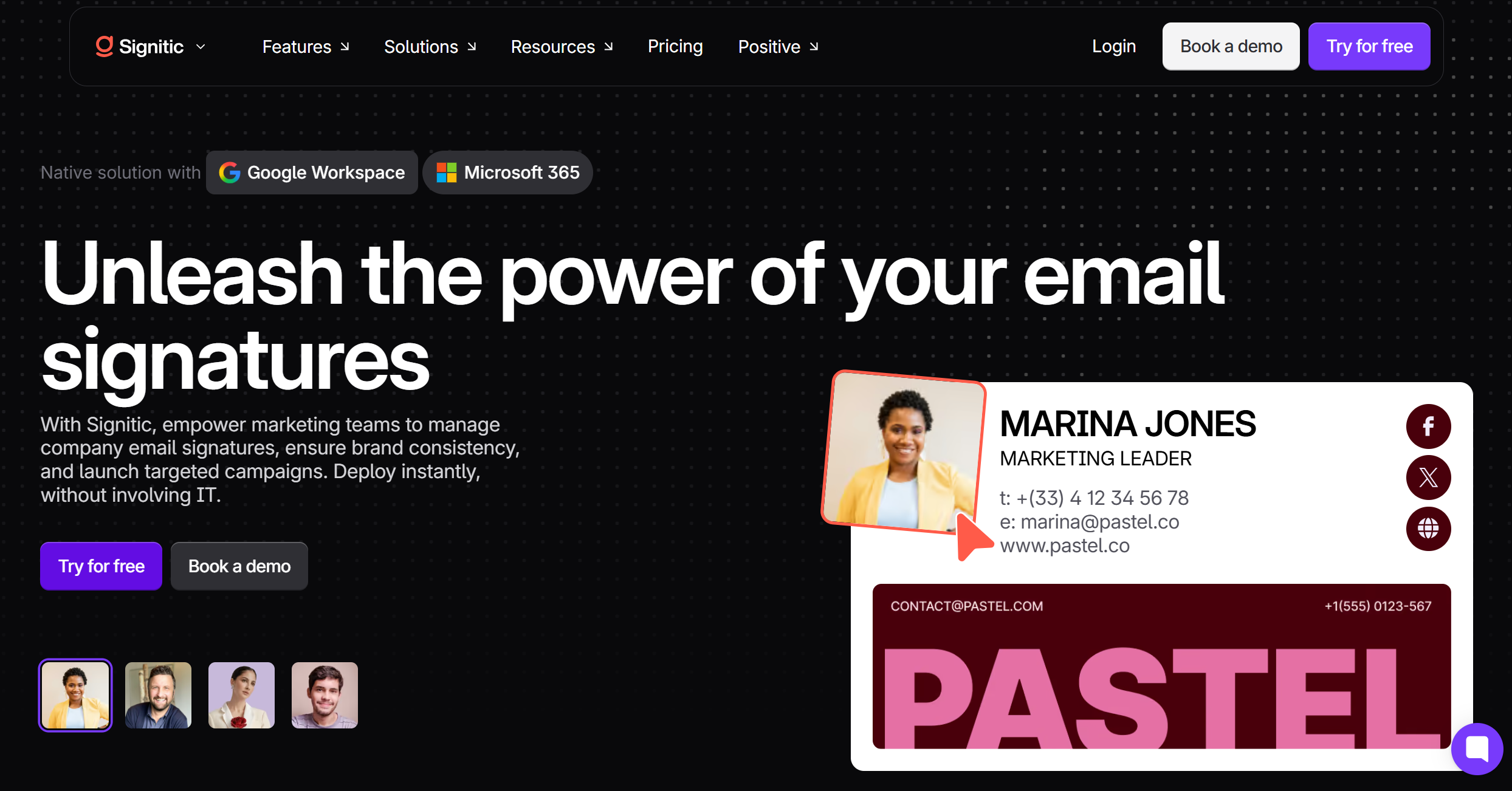
A modern, cost-effective, campaign-oriented signature tool that caters nicely to tech-savvy marketing teams. Best for companies with a heavy focus on marketing campaigns and branding. Signitic provides detailed tracking for banner campaigns. It is simple to customize and injects personalized email touches with different signatures based on internal vs external communication.
⭐️ Rating: 4.6/5 G2
⚙️Integrations: Microsoft 365, Google Workspace
💳Free Trial/Demo: Yes, free trial
Other email signature software worth considering
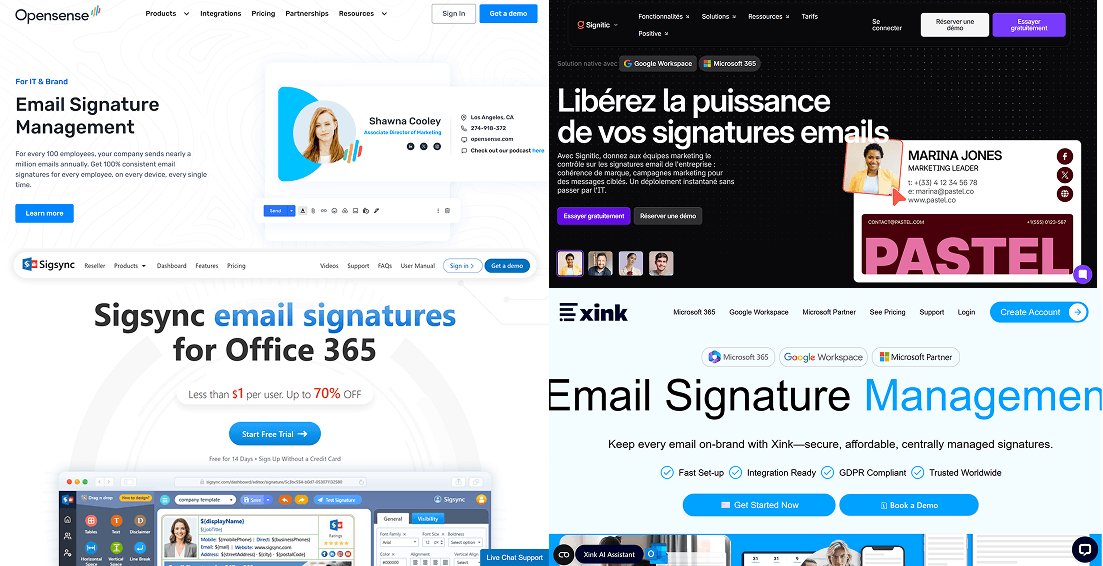
- Opensense: Best for high-volume enterprise account-based marketing (ABM) and CRM integration.
- Mailtastic: Best for managing European marketing compliance and employee communication campaigns.
- Sigsync: Best for cost-conscious Microsoft 365 administrators wanting cloud-based management.
- Xink: Best for solid, no-nonsense corporate signature updates with robust platform integrations.
- HubSpot Signature Generator: Best for individuals and start-ups needing a quick, free single-user signature.
What Is Email Signature Management Software?
Email signature management software helps organizations manage email signatures from one central place. Instead of updating each email app and device manually, it sends approved email signatures to everyone in the company. This tool syncs employee information, adds custom elements like signature layouts, and tracks how well the signatures perform.
Email Signature Management Software vs Email Signature Generator
|
Feature |
Email Signature Generator |
Email Signature Management Software |
|
Scope |
Designed for individual use / single creation |
Built for teams, departments, and entire organizations |
|
Deployment |
Manual copy-pasting into email clients |
Automated push to Google Workspace, M365, or Exchange |
|
Directory Sync |
None (manual entry for every user) |
Active Directory, Azure AD, or Google Workspace sync |
|
Marketing Banners |
Hardcoded, manual updates |
Dynamic campaigns with scheduled swaps and tracking |
|
Best For |
Freelancers and solopreneurs |
Mid-sized businesses, marketing teams, and enterprises |
Key Features to Look for in an Email Signature Solution
When choosing a signature app, focus on features that match your team's needs. Start with these key points:
- Centralized Management
A good signature manager allows administrators to control updates for the whole team. It should connect with your directory (like Azure AD) to automatically pull in contact details, job titles, and professional headshots for each user.

- Customization and Design
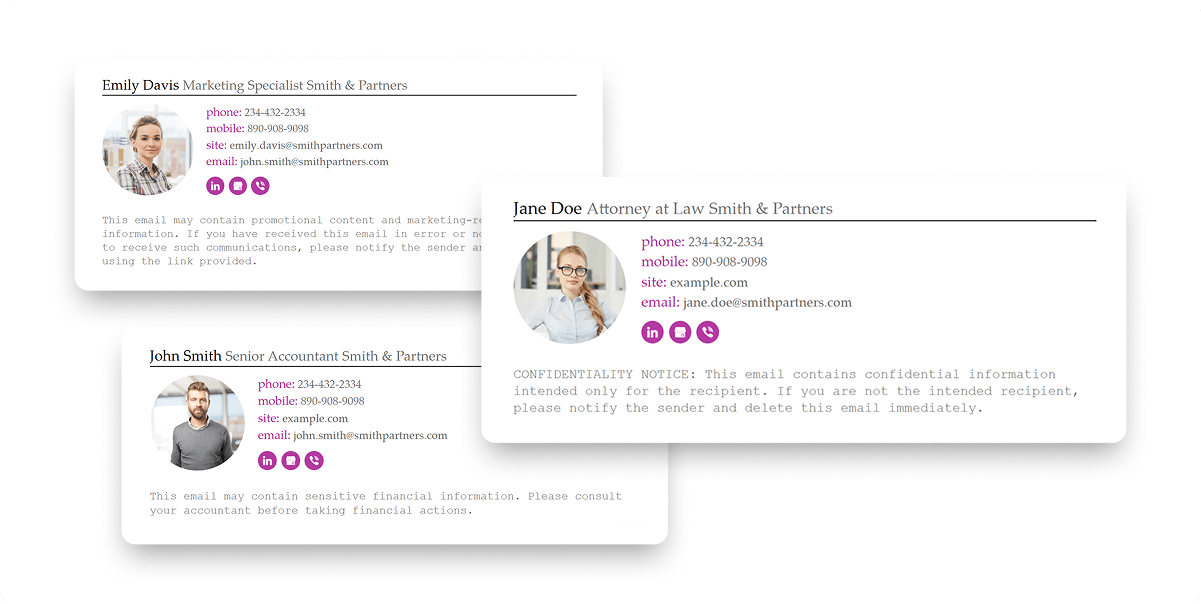
Use a drag-and-drop editor with signature templates and HTML support. You can add your logo, pick font styles, and create responsive HTML signatures that work on any device. Also, include social media links or a digital business card for easy sharing.
- Marketing Tools
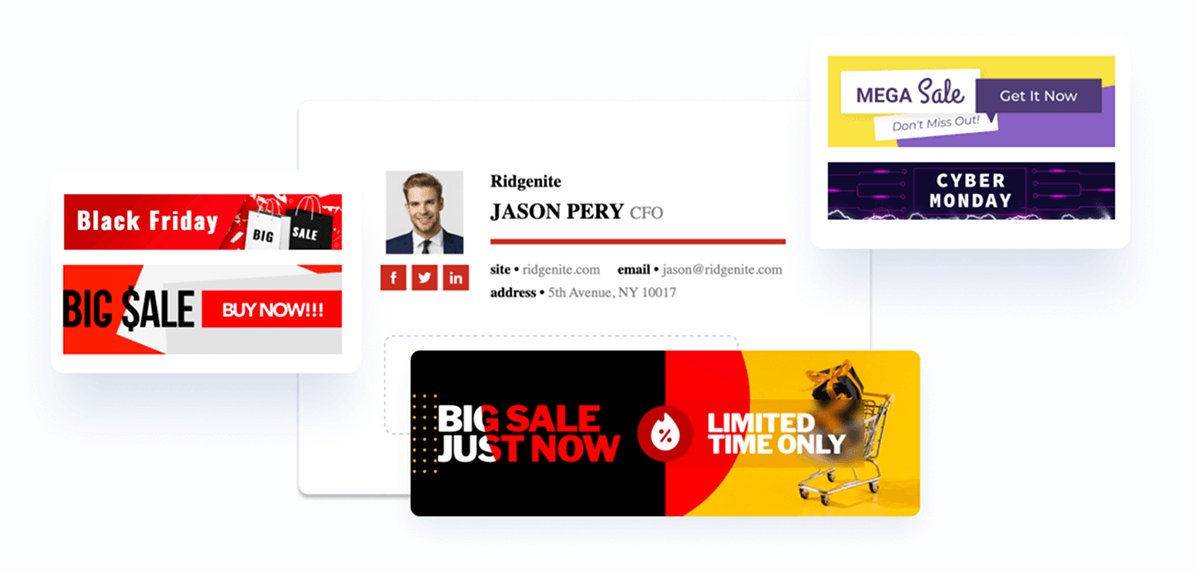
Make the most of your email signatures by adding marketing banners, call-to-action buttons, and rotating promotions. Track clicks to see how well your email branding is working and measure your return on investment.
- Compliance and Security
Automatically include legal disclaimers in your emails to ensure compliance. The best tools offer security features like encryption and user access controls to prevent online attacks, complementing network protection rules set by top SASE providers. They also filter content to help your emails avoid spam filters.
- Integrations and Automation
Easy integration with Microsoft 365, Google Workspace (formerly G Suite), and CRM systems like HubSpot.
- Analytics and Testing
Use the built-in signature tester to see how your email signatures look in different email clients. Track opens, clicks, and engagement to improve your strategy.
This helps ensure your signatures look professional, stay consistent, and support your goals, whether for meeting branding or driving traffic.

Best Email Signature Management Tools by Use Case
Choosing the right email signature management system depends on your needs. Here’s a simple guide to the best tools in different categories:
For Small Businesses:
Use Newoldstamp or MySignature. They are easy to set up, affordable, and don't need a dedicated IT person.
For Enterprises:
Choose Exclaimer or CodeTwo. These tools are secure and add signatures to emails after they are sent, ensuring compliance with all email platforms.
For Microsoft 365 Users:
Pick CodeTwo 365. It syncs with Azure Active Directory and handles deployment automatically.
For Google Workspace Users:
Try Newoldstamp or BulkSignature. They integrate directly with Gmail and update signatures instantly.
For Marketing Teams:
Use Rocketseed or Newoldstamp. They let you schedule marketing banners, track clicks, and link to HubSpot and Salesforce CRM.
For Legal Compliance:
Exclaimer is the best choice. It offers content filtering, disclaimers, and strong certifications to meet legal standards.
For Custom Design:
Choose WiseStamp. It has many drag-and-drop elements, custom icons, and flexible layouts for your signature.
How to Choose the Best Email Signature Software for Your Brand
Choosing the right tool depends on your size, budget, and goals. First, make sure the tool works well with what you already use, like Office 365 or Google Workspace. Check if it can automatically update information from your directory to ensure everything is current. Look for features that help with compliance, such as automatic legal disclaimers and content filtering to avoid problems. Implementing web filtering for businesses effectively requires regular review of approved and blocked sites to maintain security and compliance.
|
Factor |
What to Check |
Why It Matters |
|
Team Size |
Look at pricing tiers (per-user vs. volume-based packages). |
Ensures scalability as your business grows without unexpected budget spikes. |
|
Email Platform |
Confirm native integration with M365, Exchange, or G Suite. |
Prevents compatibility errors and manual setup hassles for users. |
|
IT Resources |
Check if the tool requires complex DNS configurations or MX record routing. |
Determines if marketing can handle it or if IT must execute server-level deployment. |
|
Compliance Needs |
Look for automated, dynamic disclaimer templates that append by geography. |
Protects your organization from legal issues and privacy regulation fines. |
|
Design Needs |
Ensure a flexible, drag-and-drop responsive HTML editor is included. |
Guarantees that branded email signatures look professional on all screens. |
|
Campaign Analytics |
Check for trackable URLs, Google Analytics integrations, and dynamic swapping. |
Allows marketing to track the ROI of their signature banners and CTA buttons. |
|
Budget |
Look for transparent per-user pricing with no high minimum spend barriers. |
Avoids lock-ins with platforms that might be overkill for your current budget. |
|
Customer Support |
Check for live chat, dedicated onboarding support, and thorough documentation. |
Ensures fast setup and immediate resolution if signature delivery issues occur. |
Focus on tools that give administrators strong user access controls and a simple user experience for everyone to use. If your team handles a lot of marketing, find branding tools that offer marketing banners and analytics. Finally, try out a few options to make sure they help improve email deliverability and keep your team looking professional.
Best for small businesses and startups
Small teams need affordable and simple tools that can grow with them without needing IT support. We recommend Newoldstamp as the best option. It’s a cloud-based tool that lets you design emails using marketing features, like social media icons, and create promotional banners. It works well with Microsoft 365 and Google Workspace, automatically updates contact details, and has a signature tester for quick checks.
Newoldstamp is the top email signature software for growing teams. It offers professional templates and easy integrations with Google Workspace and Microsoft 365, all without complicated setup. For very small teams or solo freelancers, MySignature and WiseStamp are good options. They let you customize signature styles easily with a drag-and-drop editor, without needing complex routing rules.
Best for enterprises and corporations
Large organizations need effective email signature management for thousands of users. Exclaimer is a suitable email signature software for businesses. It offers SOC 2 security, works well with Microsoft 365, and has data centers worldwide. Exclaimer can create standardized signatures, legal disclaimers, and dynamic banners for different departments. Pricing is customized for enterprises.
CodeTwo Email Signatures 365 is excellent for Office 365 users. It automates compliance and syncs directories to create a professional and consistent look. It supports Meeting Branding links and can scale to over 100,000 users while maintaining 99.999% uptime.
Newoldstamp is also a great fit for corporations thanks to its automation features and integrations that make centralized email signature creation and management easy. It allows for the deployment of branded, compliant signatures across all departments with just a few clicks, ensuring consistency and saving time.
Free vs Paid Email Signature Management Tools
Free tools like HubSpot's signature generator and MySignature's basic plan are good for individual users. They let you add your logo, contact details, and social media links for free. However, they do not offer team management features, analytics, or advanced designs like responsive HTML signatures.
For teams, paid options starting at $1 per user each month are better. Tools like Newoldstamp and Letsignit provide features such as marketing banners, stronger security, and automatic updates to fix data issues.
|
Feature |
Free Generators (e.g., HubSpot Free Tool) |
Paid SMB Plans (e.g., Newoldstamp, WiseStamp) |
Enterprise Management Solutions (e.g., Exclaimer, CodeTwo) |
|
Ideal Audience |
Individuals & freelancers. |
Small to mid-sized businesses (10 - 500 users). |
Mid-to-large enterprises (500+ users). |
|
Deployment |
Manual copy-pasting for each user. |
Native API integration for automatic push. |
Server-side routing + client-side agents. |
|
Central Administration |
None. Users must manually manage edits. |
Central dashboard with limited sub-admin roles. |
Advanced role-based access, multi-brand control. |
|
Analytics |
None. |
Standard click tracking on banners and links. |
Granular campaign tracking, CRM integration. |
|
Branding Control |
Often contains 'Created by [Vendor]' ads. |
100% white-labeled, branded templates. |
Highly customized, dynamic multi-department rules. |
|
Security |
Minimal/No certified security layers. |
Secure cloud hosting, GDPR compliance. |
SOC 2 Type II, ISO 27001, audit logs, secure routing. |
Common Mistakes When Choosing Email Signature Management Software
To choose a secure and professional platform for your company, avoid these common mistakes:
- Using Only Free Generators: Free tools often do not have central admin panels. This means you cannot update email signatures without disrupting employees.
- Not Testing on Mobile: Always check how signature templates look on small mobile screens. Use responsive HTML editors to ensure they adapt well.
- Skipping Directory Syncing: Without automatic integration with your active directory, your IT team will waste time manually updating changes to names or titles.
- Ignoring Campaign Tracking: If you lack tracking tools, your marketing team will struggle to measure the return on investment (ROI) for dynamic banner campaigns.
- Confusing Responsibilities Between IT and Marketing: IT should handle server routing and directory integration, while marketing should manage banner schedules and creative content.
- Overlooking Compliance Disclaimers: Failing to automate legal footers can lead to costly compliance issues, especially compared to using dedicated email signature software.
Final Verdict: Which Email Signature Management Software Should You Choose?
Good email signature software adds your brand to every email. This improves communication and makes your brand presence. For small businesses, Newoldstamp and WiseStamp are easy and affordable options. If you run a larger company, choose Exclaimer or CodeTwo for secure and scalable signature management.
Try a free trial to find the right tool for you. Focus on how it integrates with Microsoft 365 or Google Workspace, its customization options, and the marketing benefits it offers. With the right tool, you can automate organization-wide email signatures, look professional, and achieve real results. Ready to improve your email management? Check the demo options at the bottom of this page.

FAQs
Which email signature software is best for small businesses?
Newoldstamp is a great choice for small and medium businesses. It allows you to set up quickly and create custom email designs with your logo and social media icons. You can manage your team for less than $1 per user each month. It works well with Outlook and Google Workspace, helping you maintain brand consistency without needing IT support.
What is the best email signature management software for enterprise teams?
Exclaimer offers an important security solution, including ISO 27001, and works well for large teams using Microsoft 365. Exclaimer automatically manages standardized signatures and legal disclaimers on all devices.
Which email signature software is best for email signature marketing campaigns?
Rocketseed helps with marketing by using dynamic banners and call-to-action buttons. It also provides analytics to track the performance of your marketing assets. It’s an excellent tool for turning emails into campaigns while keeping your brand consistent.
Are there budget-friendly or free alternatives worth considering?
HubSpot and MySignature offer good free plans for basic needs like logos and contact details. If you’re looking for an affordable paid option, WiseStamp provides team features for $1.90 per user, making it a great choice for growing your team without overspending.
Which software in the comparison offers the easiest setup?
Newoldstamp, Bybrand, and MySignature are easy to set up. They connect directly to Google Workspace and Microsoft 365, which means you don’t need to deal with complicated setups. Administrators can quickly create professional email signatures using simple drag-and-drop tools in just a few minutes.
Which tools provide the most customization for signature design?
WiseStamp and Newoldstamp are leaders in customization. They offer tools to edit HTML email signature templates, a range of fonts, options to upload professional headshots, and responsive designs for digital business cards.
What security features should email signature management software have?
Access controls, encryption, compliance certifications, audit logs, and directory sync to support secure, compliant email practices.

