The little detail that makes customers take you more seriously: How to optimize your email signature
Most clients won’t tell you why one email felt reassuring, and another felt a little off. They just respond differently.
They reply faster. They forward your note to the right person. They book the call. Or they hesitate.
A lot of that reaction happens before they fully process your message. They’re scanning for signals. Not dramatic ones. Small ones.
One of the clearest sits at the bottom of the email.
|
Quick Overview
|
1. Why clients judge the footer faster than you think
2. What a professional email signature should contain
3. Why matching the signature to the job matters
4. Consistency signals that your business has standards
5. A five-minute signature audit you can do today
6. What to fix before your next client email
Why clients judge the footer faster than you think
When a client opens an email from someone new, they are not only reading the message. They are trying to place the sender. Who is this person? How serious are they? How easy will it be to reach them again if something changes?
That is why your signature matters more in advice-heavy work than it does in casual communication. In fields where professional liability insurance matters, clients are often making decisions tied to money, deadlines, compliance, or outcomes they may later question, so the details around your identity carry more weight than people assume.
A vague sign-off creates friction. “Best, Alex” might be fine for an internal note. It is much less helpful when a prospect wants to confirm whether Alex is the account lead, the licensed advisor, or the person they should call if a document is missing at 4:45 p.m.
That is also why email signatures matter. The footer is not just decoration. It answers practical questions before the recipient has to ask them.
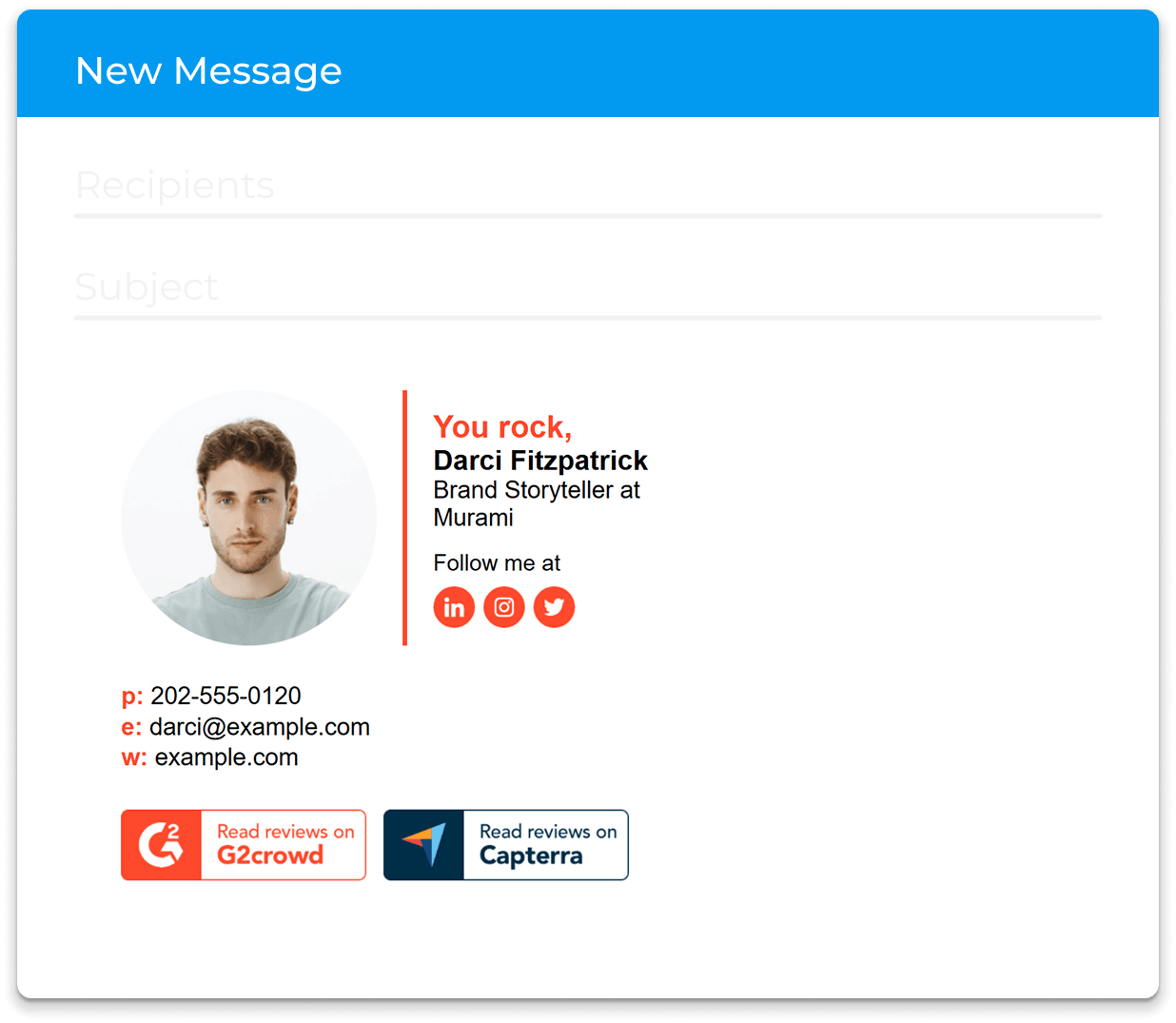
Think about two versions of the same email from a consultant. One ends with a first name and nothing else. The other ends with a full name, title, company, direct phone number, and a clean website link. The advice in the email could be identical, but the second sender looks easier to verify and easier to work with.
What a professional email signature should contain
A strong signature is not long. It is useful.
In practice, most client-facing professionals need six core elements:
- Full name
- Real working title
- Company name
- One direct contact path beyond email
- Website or scheduling path if it supports the next action
- Brand element such as a logo or headshot, should only be used when it looks polished
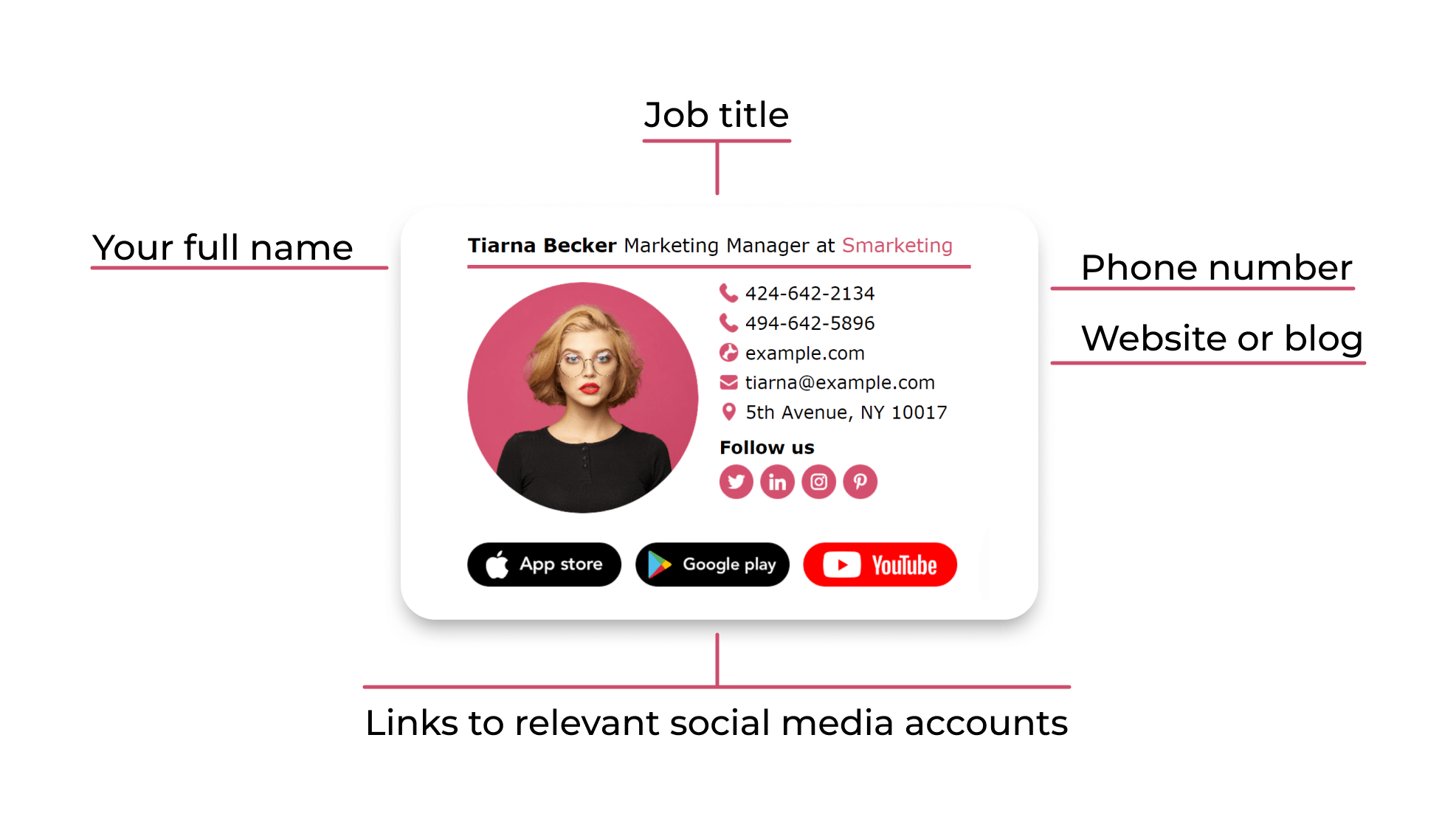
According to HubSpot’s professional email signature guidance, the essentials are your full name, job title, company affiliation, and one primary contact method beyond email. That is a good filter because it forces you to keep only what helps the recipient act.
What should usually get cut?
- Motivational quotes
- Outdated certifications
- Four competing phone numbers
- Social icons that lead to inactive accounts
- A promotional banner from a campaign that ended months ago
This is where many people overcomplicate the footer. They treat it like a mini brochure. Clients do not need a brochure at the bottom of every email. They need enough information to feel oriented.
A tax advisor is a good example. A solid version might read like this in plain language: full name, “Senior Tax Advisor,” firm name, direct line, and website. That helps a client forward the email to a spouse, office manager, or bookkeeper without rewriting the context.
A weaker version would be flashier but less useful. Add three badges, two slogans, a giant logo, and a LinkedIn icon that leads nowhere, and now the signature is asking the client to sort through clutter before they can find the phone number.
If you need a visual benchmark, email signature best practices are a good reminder that clarity usually beats creativity when the goal is trust.
Why matching the signature to the job matters
Not every profession should use the same footer.
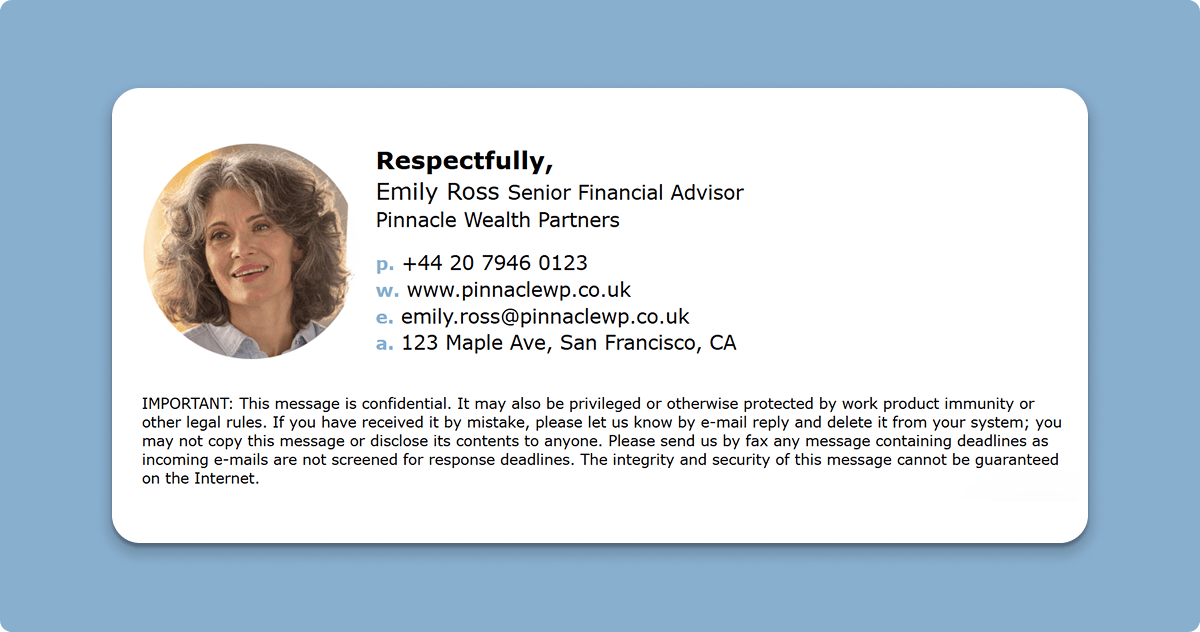
A realtor may benefit from a headshot because recognition helps when clients are juggling agents, lenders, inspectors, and attorneys. A lawyer may need a cleaner title structure and a more restrained layout. An insurance advisor might want a direct office line, license-related context where appropriate, and a format that feels stable rather than promotional.
That is why role-based examples are often more useful than generic templates, especially when you’re looking for small business email signature examples that fit your team and industry. These insurance agent email signature examples work because they show what happens when the footer supports the real workflow: identify the sender quickly, make contact easy, and keep the presentation professional enough for client-facing conversations.
Here is a simple rule that works across industries: your signature should make the next step obvious.
- If the client’s next step is to call you, the best number should be visible immediately.
- If the client’s next step is to verify your role, your title should sound like a real job, not personal branding copy.
- If the client’s next step is to share your email internally, your company identity should be impossible to miss.
This is where inflated titles cause problems. “Visionary Growth Architect” may sound clever in a networking bio. It creates confusion in an invoice dispute, an onboarding email, or a benefits conversation. “Client Success Director” or “Commercial Lines Advisor” does more work because it tells the reader what you actually do.
The same goes for photos. A clean, current headshot can help in relationship-driven work. A cropped vacation photo with a busy background does the opposite. When in doubt, leave it out.
One practical test is to forward your own email to someone who does not know your business well and ask a simple question: based only on the signature, what would you assume this person does, and how would you contact them fast? If the answer is fuzzy, the footer needs work.
Consistency signals that your business has standards
Clients notice consistency more than most teams realize.
If sales emails look polished, onboarding emails look stripped down, and support emails use three different footer styles, the business starts to feel fragmented. No single message looks terrible, but the pattern suggests weak process.
Microsoft notes in its guidance on creating an email signature for your small business that a shared branded signature helps communicate the brand consistently across employee emails and adds credibility to communications. You can see why that matters the moment several people from one company appear in the same client thread.
That consistency also matters because clients are more alert to identity cues than they used to be. The FTC’s consumer advice on scams and fraud reflects a simple reality: people are paying closer attention to signs that a sender is legitimate, current, and reachable.
A polished signature will not solve a trust problem by itself. But it does support the basic checks people make in seconds:
- Does this person look connected to a real business?
- Can I tell what they do?
- Is there a direct way to contact them?
- Does this look like a team with standards?
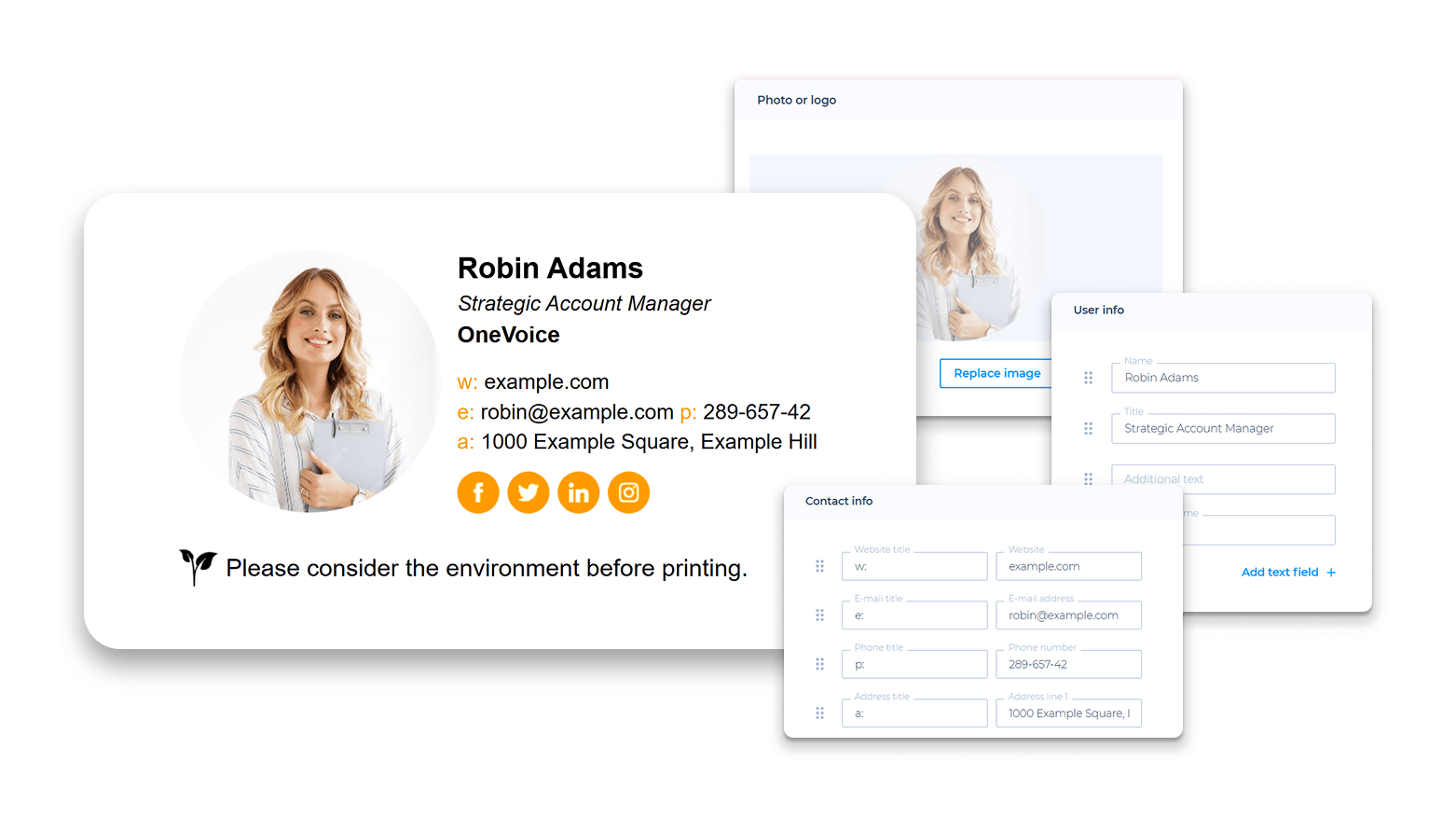
That is why small inconsistencies matter. An old logo. A broken website link. A title that no longer matches the role. A mobile signature that says “Sent from my iPhone” after a carefully formatted desktop email. None of these issues is huge alone. Together, they make a serious business look less careful than it probably is.
If your team has multiple departments touching the same account, the signature should help the client feel continuity. Same company name treatment. Same visual logic. Same level of completeness. Not necessarily identical line for line, but clearly part of one system.
A five-minute signature audit you can do today
You do not need a redesign project to improve this. Most people can make a meaningful upgrade in one pass.
Start here:
- Check that your name, title, and company are current
- Keep one best phone number, not every number you own
- Remove social icons that do not support client trust
- Open the signature on mobile and desktop
- Click every link and fix anything broken
- Delete any line that does not help the reader take the next step

Then read it like a first-time client.
If you were hiring this person, would the signature make the sender look clear, organized, and easy to reach? Or would it create little moments of doubt?
That question matters most in work where people buy expertise, not just a product. Advisors, brokers, accountants, consultants, recruiters, lawyers, and agency leads are often judged on their perceived dependability before the real working relationship is established. The footer is one of the first places where the impression shows up.
What to fix before your next client email
Clients may never mention your signature out loud, but they notice when it makes their job easier. A clear footer tells them who you are, what role you hold, and how to reach you without extra digging. That matters more when your work affects money, timing, compliance, or decisions someone may have to defend later. Before your next client email goes out, check your signature the same way you would check a proposal or contract. Make sure every line is accurate, useful, and easy to verify, then send yourself a test email and fix the first thing that feels unclear.
Ready to upgrade your professional image? Use Newoldstamp to easily design and manage polished, consistent email signatures for your entire team.