

Common Email Signature Mistakes Remote Teams Still Make
Remote work didn’t just change where people work. It changed how trust works in business communication. Today, contracts are approved through email threads. Payments are authorized remotely. Clients rarely meet teams in person. That change birthed a whole new issue; identity came into the inbox. Companies that are distant from each other invest a lot in collaboration software, VPN access, and cybersecurity tools. However, they forget about one of the most obvious identity cues that they have under their control daily, their e-mail signatures. An email signature is still considered a branding footer. In fact, they impact not only credibility, but response rates and phishing resistance as well.
1. Why Email Signatures Became Critical in Remote Work
2. Why Trust Is the Biggest Factor in Email Security
3. The Power of Email Signatures: How to use a behavioural security tool
4. Why are Remote Teams more prone to making Signature Errors?
5. Common Email Signature Design Mistakes that Remote Teams make still
6. Now that Email Signatures are a Company Standard
7. FAQs
Why Email Signatures Became Critical in Remote Work
In physical offices, trust had shortcuts.
- You recognized coworkers.
- You overheard conversations.
- You verified requests instantly.
Remote work removed those safeguards. Now, employees evaluate legitimacy based almost entirely on digital cues. Email signatures became one of the few consistent identity anchors left.
This change was apparent to me when working with a distributed marketing company that grew from 8 to 35 remote workers in less than a year. The number of communications grew significantly more, but clients began to ask questions in some startling ways:
- “Is this request legitimate?”
- “Did your finance team really send this?”
Nothing technical had failed. The issue was visual inconsistency. Every employee used a different signature format, so clients lacked a recognizable communication pattern. Once signatures were standardized across the company, verification emails dropped within weeks. Trust improved simply because communication became predictable. Remote work didn’t increase risk by itself. Inconsistent identity did.
Why Trust Is the Biggest Factor in Email Security
The key to phishing is that people value familiarity over verification. Business Email Compromise (BEC) is one of the most financially damaging cybercrimes, as reported by the Internet Crime Complaint Center (IC3) of the FBI, at more than $2.9 billion lost in a single year.
These attacks rarely involve hacking systems. Attackers impersonate people. Employees scan emails:
- sender name
- formatting
- tone
- signature
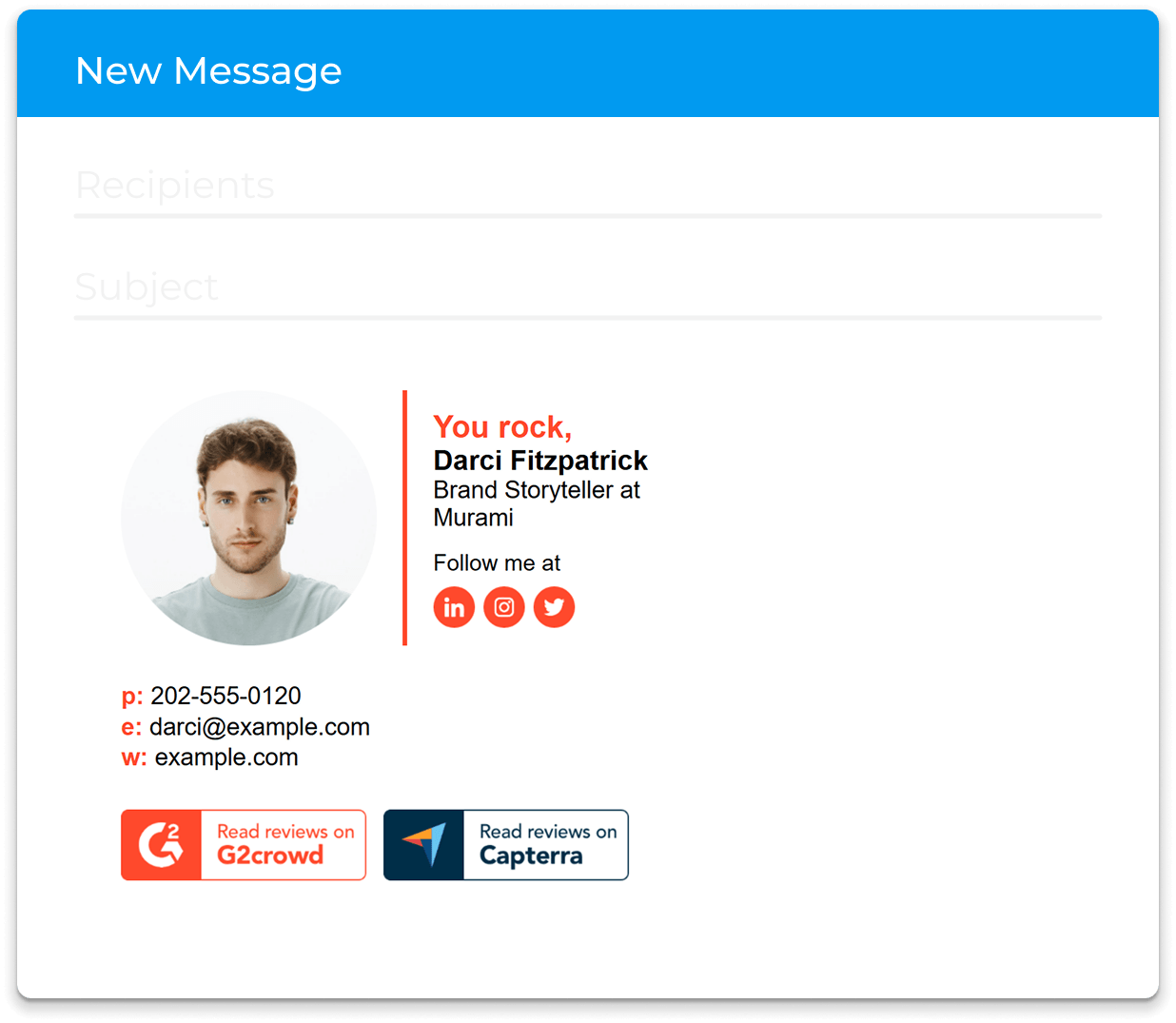
When it's all familiar, action ensues immediately. This behavior is accelerated in the remote environment due to the asynchronous nature of work on teams. Requests cannot be confirmed verbally and therefore, visual trust signals have greater weight for employees than technical authentication.
Email signatures make a difference in that first impression. A regular signature is learned pattern. When the pattern is broken, people get hesitant, and a lack of confidence is the biggest deterrent against fraud.
The Power of Email Signatures: How to use a behavioural security tool
The majority of security conversations are software-related. You can see that that behavior is more relevant in the remote context. Email Signatures slowly trick people into your way of thinking. Following repeated exposures, the clients and the co-worker(s) subconsciously remember:
- logo placement
- contact layout
- formatting rhythm
- information hierarchy
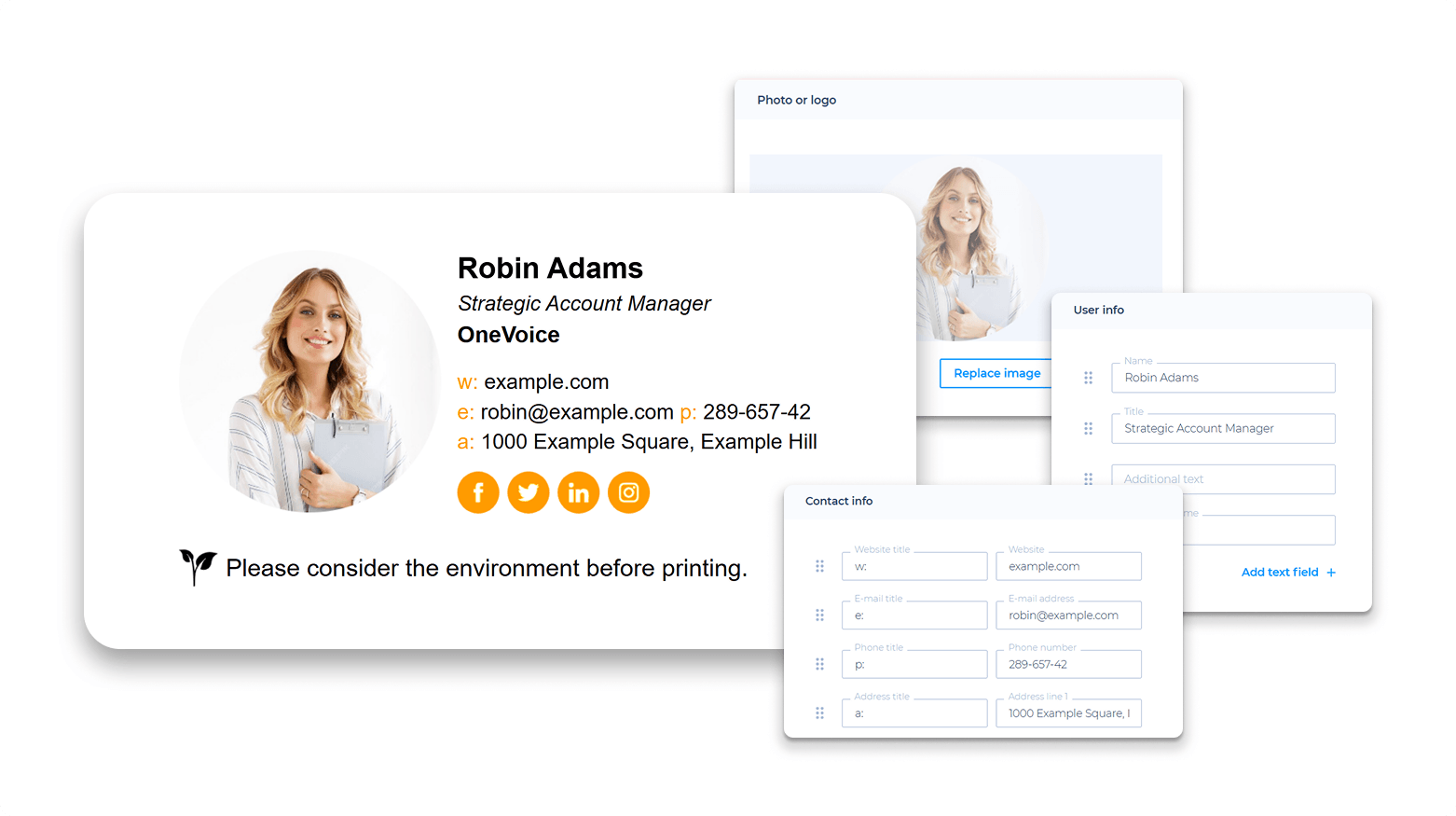
This produces a recognition conditioning, that is, a two-stage learning process. You are not sending out information; you are sending out a message. You're training individuals how to recognize your legitimate emails. Emails that don't follow that pattern, but are still intended to defraud, are noticed before it's understood why.
In the retail sector, branding is greatly affected by security. Branding and security are strikingly connected in the retail sector. The IT team controls security. These are roles that must cross over with remote working.
Brand consistency is directly related to fraud prevention. Microsoft research indicates that in the case of phishing emails, “branding signals” that appear incomplete or inconsistent with their organization's communications are common causes of success. This visual consistency should also be supported by technical safeguards, and a proper DMARC setup helps organizations authenticate legitimate email sources and reduce the risk of impersonation attempts.
Brand recognition points include the details of the brand in the signature, icon, lettering and spacing. This makes it more challenging to confuse a company with a uniform "look and feel". This makes it more difficult to impersonate a company that has a cohesive "look and feel".
Branding is not an embellishment. Branding is verification.
Why are Remote Teams more prone to making Signature Errors?
Communication becomes "known" over time. Even if they are only small details, like phone numbers, different spacing, or the wrong size logos, then it raises questions. When communication is regular, it provides a step-by-step reinforcement of security. Signals that provide verification and enable the remote teams to observe the forecast, a detail that most teams lack.
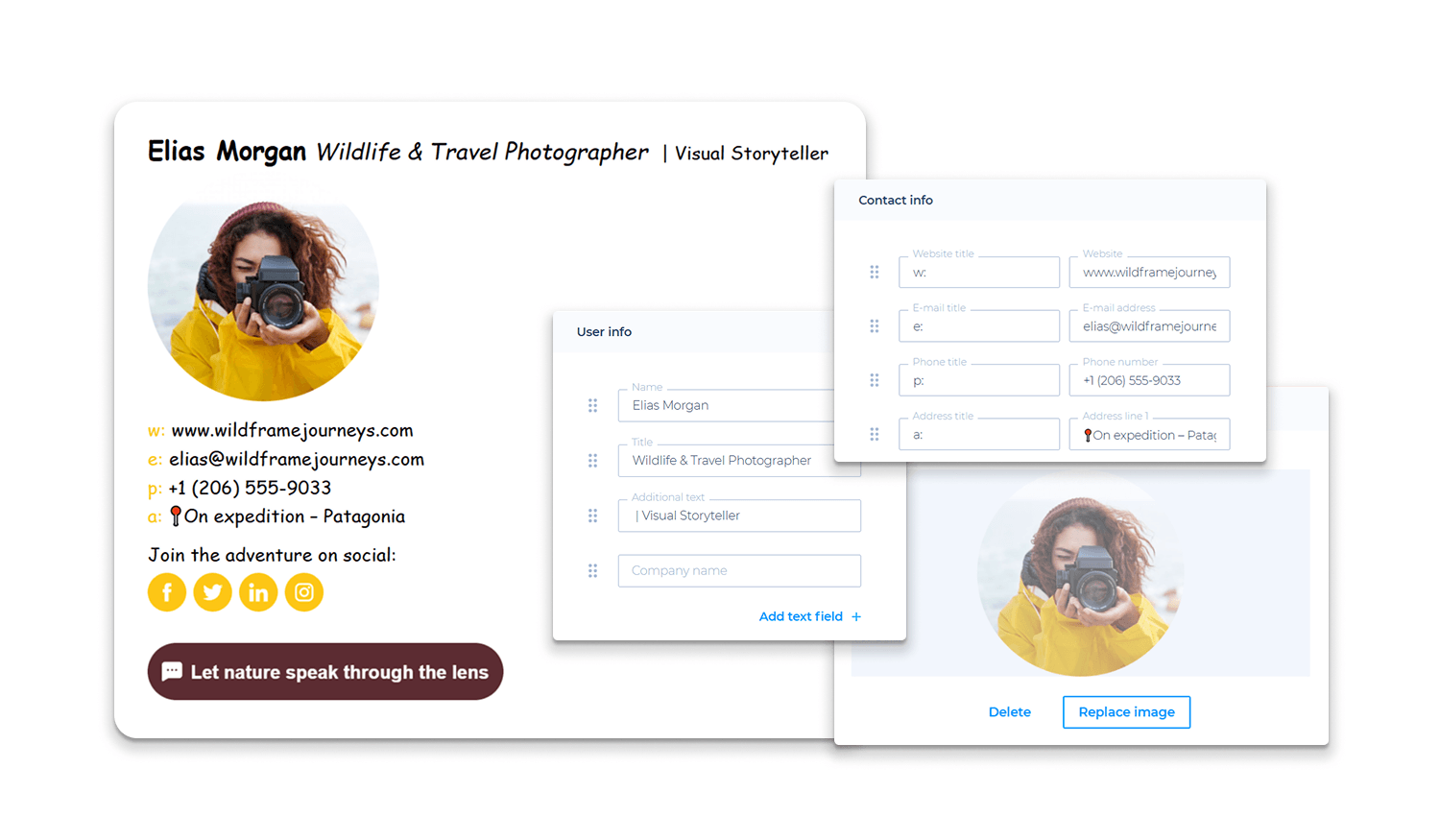
Good email signatures facilitate verification outside of the message body. The following are key elements for verification:
- official website
- professional LinkedIn profile
- direct contact number
- Company mailing address (if applicable)
As remote working has grown, so has the risk of email. Email-related risk has risen with remote working. Welcoming remote workers helped speed up communication and eliminate friction. Unfortunately, attackers get a leg up on the game, too.
The Verizon Data Breach Investigations Report has been collecting this data for years and consistently shows that more than 70% of data breaches involve human factors, including phishing and social engineering.
As highlighted in data from VPNOverview.com, phishing attacks are increasing because they rely on human behavior and recognition patterns rather than technical weaknesses. VPNOverview is a cybersecurity-focused platform that provides privacy guides, VPN reviews, and online security resources designed to help users protect their personal data online. The platform also explains how VPNs can reduce security risks by encrypting internet traffic, protecting sensitive information on public networks, and improving digital privacy for both individuals and remote teams. For teams working across restricted networks or regions, using a free proxy can serve as a lightweight first step toward protecting browsing activity before committing to a full VPN solution. As more companies move to a remote workforce, visual consistency in everyday communication becomes even more critical.
Employees respond faster in remote environments because delays slow collaboration. Attackers exploit urgency. Standardized signatures introduce a control element without slowing the process. That fraction of a second often prevents costly errors.
Common Email Signature Design Mistakes that Remote Teams make still
Even companies with signatures make bad signature design mistakes:
- oversized promotional banners
- inconsistent fonts
- excessive social icons
- missing mobile responsiveness
- outdated employee roles
- overly complex layouts
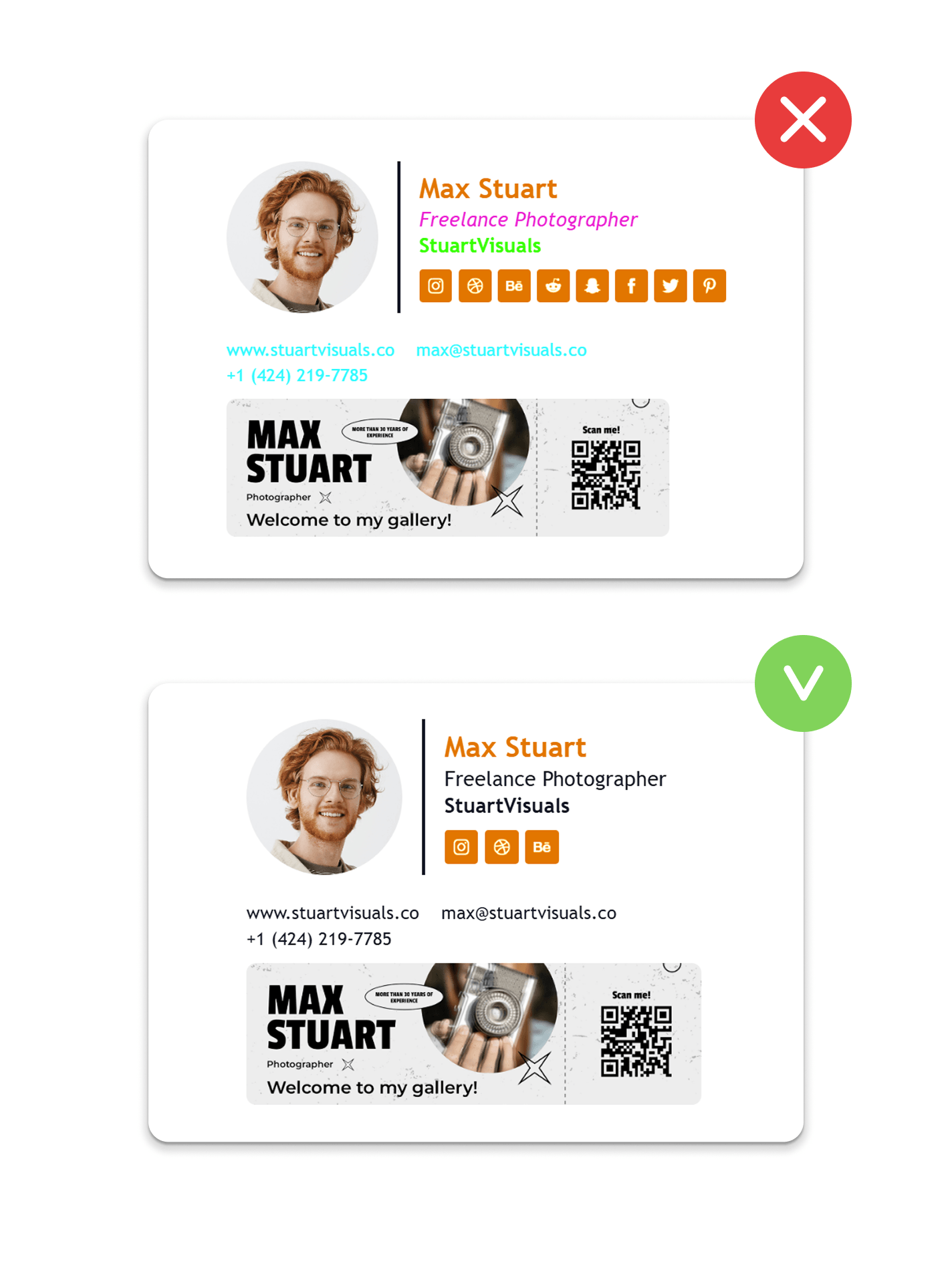
For remote teams, it is best to keep it clear rather than creative. Need to read the signature = it is not serving its purpose.
The components of an Effective Remote Team Email Signature
The most successful organisational structure is still very straightforward after implementing signature systems with multiple distributed teams:
- Full name
- Job title
- Company name
- Direct phone number
- Website link
- Optional professional social profile
Anything added should be geared towards either of the following two goals:
- identity verification
- business communication
If it serves none, take it off. Minimalism improves recognition.
Now that Email Signatures are a Company Standard
No two students are alike, and, hence, scalability is precluded by individual customisation. When companies are having a smashing success, they don't treat their email signature as an option, but as a necessity.
Best-performing remote teams:
- deploy centralized templates
- automate updates
- prevent manual editing
- manage branding globally
That operational model increasingly overlaps with broader workflow automation, especially for distributed teams managing repeated communications and approvals. AI in the workplace is often applied in these cases to reduce repetitive admin work while keeping processes consistent.
Email Signatures should be like uniforms. Various individuals with the same recognizable identity. It's about consistency, making thousands of daily emails, and coordinated brand communication.
Conclusion
Teleworking transformed trust from the real world to a virtual world of communication. Email signatures are no longer merely branding elements; they directly impact how messages are interpreted, how fraud is detected, and how organizations are perceived.
Companies frequently fail to pay attention to simple behavioral controls easily incorporated into their communications network, as well as to the complexity of security controls. One of the biggest underrated enhancements that remote teams can implement is having a standardised email signature.
- Consistency builds recognition.
- Recognition builds trust.
- Trust reduces risk.

FAQs
Why are email signatures important for distance teams?
When communication happens over distance, no one can provide physical verification, so it works by using signals of visual identity within email.
Does standardisation really bring down the phishing threat?
Yes. Consistency establishes recognizable patterns of communication, revealing attempts at impersonation.
What is included in every remote team signature?
Name, job title, company, telephone number, and official website.
But does email sign-up impact marketing performance?
Yes. All staff email is a branded touchpoint, driving visibility and engagement.
When do companies need to change signatures?
When employee roles, brands, or contact details change, they should ideally be managed centrally.

