

How Email Signatures Can Improve Trust and Reduce Phishing Risks
Email signatures are important because they help people know who is really sending the email. They also help people see if something is wrong with the email. This guide is going to talk about how email signatures can help people trust emails more and avoid things, like phishing. Email signatures can really help with this. They can make it harder for bad people to trick people with emails. This is something that companies should think about when they are trying to keep their emails safe. Email is an important tool and email signatures are a big part of that.
What makes an email look reliable at first glance
I have experienced the common occurrence of trust being created by small visuals within various teams' emails. These signals are straightforward yet effective. A reliable email typically has:
- Displayed sender name and role.
- Company identity
- Contact details
- Consistent formatting
- Professional structure

All these are combined in an email signature. It provides a strong identity to your email. You cannot do without it, and your message is incomplete. Using it, your message will be deliberate and authenticated.
How email signatures reduce phishing risks in practice
Email signatures are not just a look-good tactic. They develop a scheme that assists in the identification of fraud. To begin with, they bring about uniformity. Your team should have the same format, so the recipients get to know how your emails appear. When a phishing email is received without such a structure, it is immediately noticeable.
Second, they make impersonation harder. Attackers usually duplicate names and style of writing. They do not typically replicate the signatures that contain details with the proper contact information and formatting. This loophole renders counterfeit emails readily identifiable.
Third, they facilitate rapid checks. Phone numbers, links, and roles can be compared by the recipient of the signature. This will diminish blind trust and promote validation. Within a small team that I was part of, email signature standardization decreased suspicious email replies in a few weeks. It was a very easy change but effective.
Email signatures as a behavioral security tool
The majority of businesses create an interest in tools when discussing security. They put in place filters, antivirus, and authentication systems. Behavior is not covered by these, although they are significant. Email signatures have an effect on behavior.
They program recipients to accept a particular format. This ultimately forms a mental point of reference. When an email fails to align with that reference, individuals get an alert. It is through small changes that a big difference is made. You are not merely putting on a signature. You are defining how individuals examine your emails.
They see your name, your position, your contact information, and your format. It cannot be said that phishing emails usually follow the trend when they attempt to impersonate you. The variations can be minor, yet they are significant enough to cause suspicion. This is what you do to make consistency protection.
The connection between branding and security
Branding can be regarded as a marketing activity. It also facilitates security in the case of email communication. A professional email signature supports your brand name. It indicates that the email is sent by an organized body. It also helps in minimising confusion between genuine and fake messages.
Research from Microsoft indicates that phishing attempts are very successful when emails appear disjointed or unfinished. This risk is minimized by strong branding. Practically, your logo, colors, and formatting will make people identify you. Recognition builds trust. Trust reduces mistakes.
Why small teams benefit the most
Big organizations have devoted security teams. Simple systems and habits are dependent on small teams. This is why email signatures can be of great assistance to them. They do not need technical installation. They do not slack off at work. They do not require continual attention. However, they enhance trust and security.
This is among the simplest upgrades that can be done by freelancers and small businesses. It will be a natural addition to your conversation without the intricacy.
Adding simple verification signals to your signature
A powerful email signature is one that has more than just basic information. It facilitates verification as well. You can include:
- Official website link
- Professional social profile
- Direct contact number
- Address of the company, where the company is located, in case it is required.
These items present users with various options for identifying you. They lessen the use of assumptions. The National Institute of Standards and Technology says that layered verification enhances security results. Things as basic as checks can be used to stop big problems.
Remote work has increased email risks
Working remotely has altered the communication patterns among teams. The majority of interactions are made by email and messaging systems. This generates new risks. Request verification by employees cannot be done physically. They are more dependent on written communication. This enhances phishing attacks.
Observations posted on cybersecurity sites such as Cybernews.com reveal that phishing schemes have been on the rise with the rise in remote working. These attacks are usually successful since employees cannot take the time to authenticate the sender. Here, email signatures that are consistent gain an increased significance. They give an easy method to verify identity without any additional tools.
Common mistakes that reduce the impact of signatures
Even with teams utilizing email signatures, they still tend to commit errors that diminish their effectiveness.
- Various formats among the employees.
- Lack of or old contact information.
- Overly complex design
- Inconsistent branding
- Lack of standardization
These problems cause confusion rather than clarity. An effective email signature must be straightforward and uniform. It must not complicate the verification.
What an effective email signature should include
In my experience, optimal signatures are organized suitably.
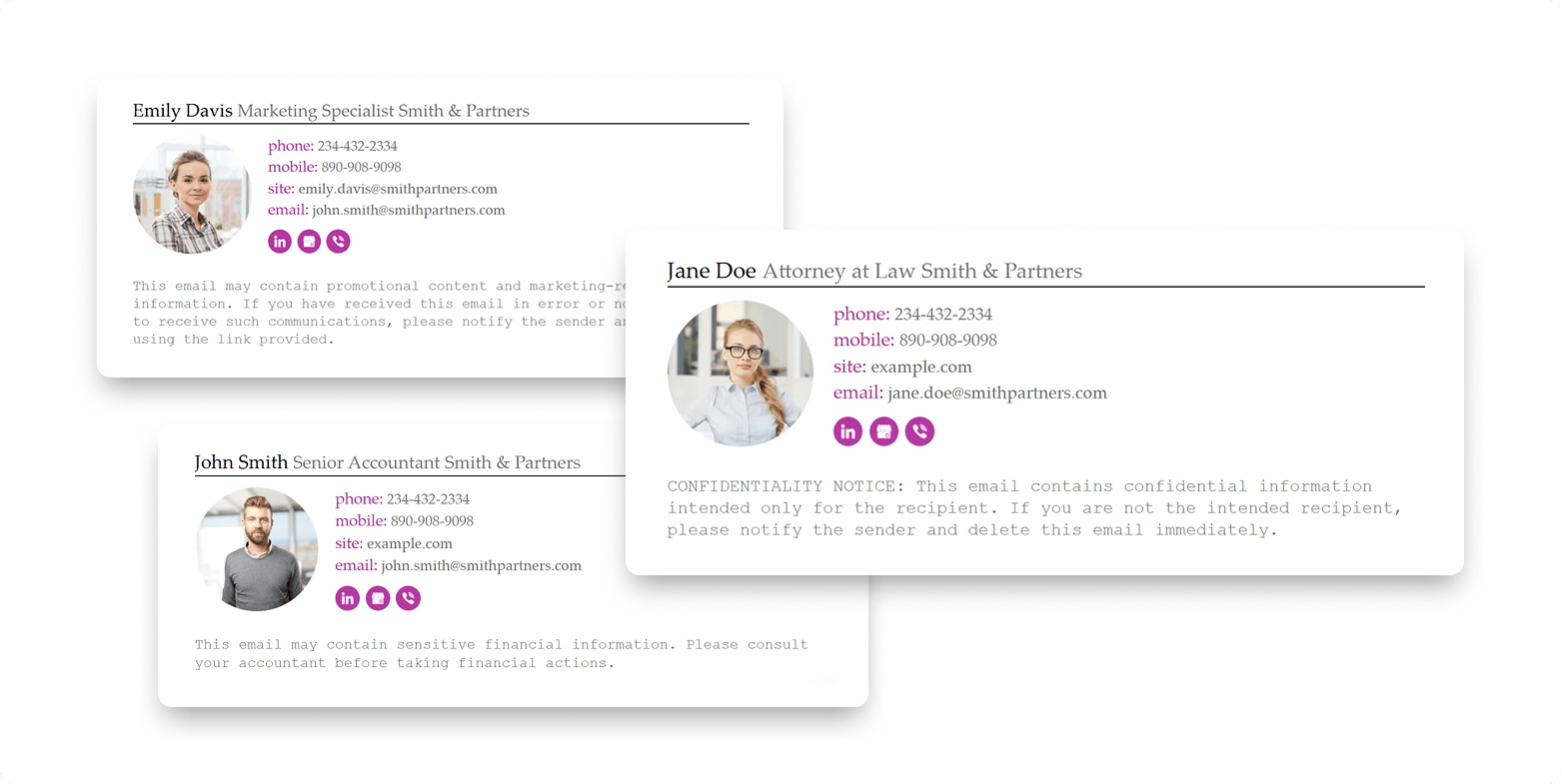
- Full name
- Job title
- Company name
- Phone number
- Website link
.png?1777450832)
Additional features may be optional social profiles or certifications, although they must be value-added. Do not include gratuitous information. Design is not as important as clarity.
Turning email signatures into a company standard
Email signatures are not to be left to individuals in order to get real results. Develop a single template and implement it throughout your team. Ensure that all are of similar structure. Centrally update when required.
This brings uniformity in all communication. It is also a way of making sure that all emails enhance your identity. The system works due to consistency.
Measuring the impact of better email identity
You can view the actual outcomes of enhancing email signatures. Teams often notice:
- Higher response rates
- Faster replies
- Fewer suspicious interactions
- Better client confidence
In one instance, the reply rates were increased by a small marketing team as their signatures were standardized. It was not a technical change. It was both visual and behavioral. This demonstrates that minor gains might have a first-order effect.
Final thoughts
Email signatures are commonly interpreted as a small detail, but they directly affect trust and security. They assist in making people familiar with your emails, confirming who you are, and preventing errors. This can be among the easiest methods of enhancing communication in small teams without being complex.
To minimize the risk of phishing, you do not need sophisticated equipment. You must be steady and definite. Begin by standardizing your email signature, and use it among your staff. This little step will lead to trust over a period, increase the response rate, and save your business from a risk that should not occur.
To implement this properly at scale, use Newoldstamp to create, standardize, and manage professional email signatures across your entire team in a consistent and controlled way.
_(1).png?1777450890)
FAQs
What are the benefits of email signatures in mitigating phishing?
They establish a pattern that is continuous, which is identified by the recipients. This simplifies the detection of fake emails.
What is in a professional email signature?
It is supposed to contain your name, job title, company name, phone number, and website.
Are email signatures important for small teams?
Yes. The impact of signatures is more in small teams, where trust and direct communication are more important.
Does email signature enhance response rates?
Yes. Professional and clear emails enhance trust and consequently result in increased engagement.
The frequency of email signature changes should be how often?
With a change in role, contact, or branding every few months or when there is a change.

