
How to Get a Business Email in 2026 (Step-by-Step Guide)
A professional business email plays a vital role in creating a powerful brand identity. A registered business email address is the key to enhancing your credibility and making a lasting impression in the inbox.
In an era where 86% of professionals prefer email for business communication and a further whopping 77% of B2B buyers prefer email over other channels, knowing how to make a business email is crucial.
How to Get a Business Email in 7 Steps
If you want to separate personal and professional communications and enjoy a more organised workflow, it’s time to learn how to get a business email.
This guide will walk you through how to make a business email, from choosing the right business email hosting provider to setting up your mailbox.
Step One: Choose Your Business Email Hosting Provider
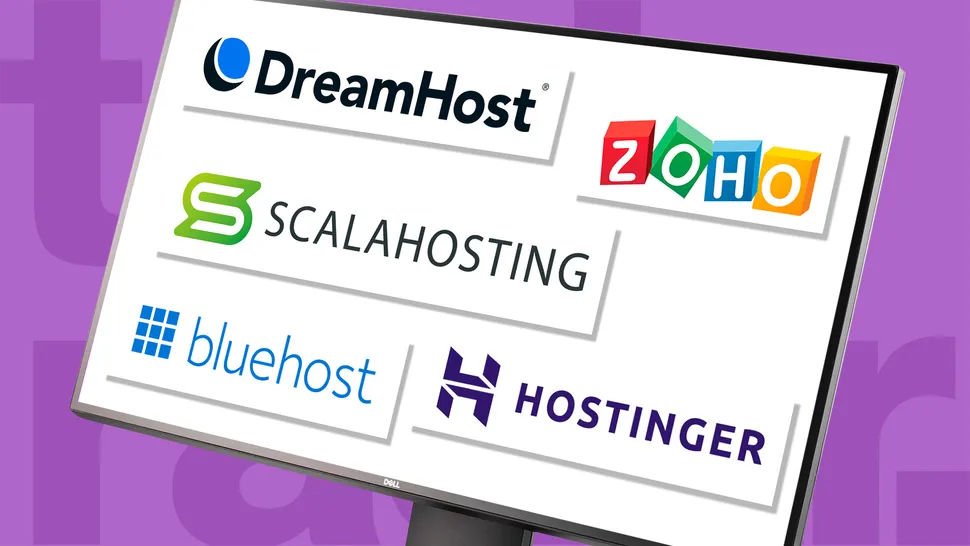
If you want to know how to get a business email, you must first choose a business email hosting provider that aligns with your key email domain requirements.
Consider factors such as security, storage and support. For example, if you’re looking to make a business email for a large business reaching customers all over the globe, you’ll need to choose a business email host that offers a high storage capacity.
(Image Source: TechRadar)
Alternatively, if this is your first time learning how to get a business email, opting for an email hosting service that provides 24/7 support is crucial.
Another factor to consider is the business email host’s potential for integration with any of your current tools. Are you an e-commerce store, looking to integrate a business email with a live CRM system? Will your new business email address need to be connected to any collaboration platforms?
Ensuring hosting provider compatibility from the get-go is essential if you want to smooth out your operations.
Step Two: Settle on a Hosting Plan
Once you’ve chosen your business email hosting provider, it’s time to take a closer look at the business email plans they offer.
First, you must decide whether you’re searching for an email plan that is included as part of a web hosting deal, or a stand-alone plan that can be added to your live domain.
If you’re creating a professional business email for the first time, the chances are, you’ll want to opt for a double web and email hosting plan that instantly connects your website and inbox for streamlined customer communication.
Here are a few other factors to consider before settling on the right business email hosting plan:
- Mailbox Capabilities: Consider the mailbox storage size offered by the email host, the number of mailboxes allowed, and the number of email aliases allowed per mailbox.
- Security Features: What security features does your chosen plan offer? Can your email host protect sensitive customer data with encryption and multi-factor authentication?
- The Cost: What can your business afford? For beginners, learning how to get a business email for the first time, trial a startup plan and scale up later as your business grows in the inbox.
Step Three: Register or Integrate Your Domain Name
There’s no doubt that your domain name forms the backbone of your professional business email identity.
If you want to know how to get a business email that drives inbox engagement, it starts with choosing a powerful domain name that reflects your brand, is easy to remember and most importantly, matches your registered business name.
If you already have a live domain up and running on the web, this bit is easy. Simply connect it to your chosen business email hosting provider to ensure your current customers recognise the same domain in their inboxes.
.jpg?1774445347)
If you’re registering a new domain name for web and email, this only takes a few minutes and can be done directly during the setup stage with your hosting provider.
Registering a powerful domain name instantly boosts credibility and is the key to making your professional business email address stand out.
Step Four: Configure Your MX Records
Don’t forget to configure your MX records, especially if you’re jumping from one business email hosting provider to another.
To do this, update your DNS settings with the Mail Exchange (MX) records provided by your business email hosting provider.
If you’re setting up a business email with trusty Google Workspace, for example, you would need to log in to your domain registrar (such as GoDaddy or Hostinger), open the DNS settings, and replace any of the existing MX records with your new Google MX records.
While any DNS updates can take 1-2 hours to fully apply, this step ensures that any new mail is rerouted to your live mail servers.
Step Five: Create Your Professional Business Email Address
Once your MX records are set up, it’s time to learn how to make a business email address using your new domain.
This is the fun bit, as you can play around with different combinations and find one that suits your business.
However, there are a few caveats. To remain credible in the inbox, your email address should be simple and sophisticated.
Obvious choices include info@yourbusiness.com or firstname@yourbusiness.com, though this may vary by industry.
Try to avoid anything that could appear spammy, and don’t forget separators like dots (.) or hyphens (-) for clarity.
If you’re opening up multiple mailboxes for your team, ensure that your address style remains consistent. For example, if your email is Jon.Doe@yourbusiness.com, your colleague Jane would follow the same format, Jane.Doe@yourbusiness.com.
Step Six: Create a Professional Email Signature
Once your email address is ready to go. It’s time to think about building your brand identity within the inbox.
Creating an email signature is often an overlooked step during the business email creation process, however, it can be an extremely powerful feature to add to your inbox identity in 2026.
Using tools like Newoldstamp, this process is simple. Using our centralized platform, you can design and manage email signatures for all employees that reflect your brand voice and reinforce credibility in the inbox.

Better still, beyond branding, a powerful email signature can also act as an effective marketing channel. If you’re creative, you can use an email signature placement to display promotional banners and CTAs to current campaigns, product launches, and events.
This low-effort marketing touchpoint gives your recipient another opportunity to engage and convert.
Step Seven: Set up Your Mailboxes
The final step to learn in this guide on how to get a business email is the mailbox setup process.
At this point, you will have chosen a business email hosting provider and registered your domain name.
Now’s the time to activate your plan and start creating your mailboxes. To do this, you must first verify domain ownership (if you’re using a domain that is already live) and then enter the email address you want to open the mailbox.
Next, it’s time to set a strong password. If your email inbox contains personal customer data, you’ll want to ensure that your security features are robust. Opt for multi-factor authentication if you can.
Now it’s time to enter any email aliases that you’d want forwarded to your main mailbox, such as a customer service email address or sales channel.
Once you’ve done this, you’re ready to go.
Why a Professional Business Email Matters
A professional business email opens up doors for your business. It immediately shows any potential clients and customers that you’re serious about your business and well-established.
A professional business email boosts credibility and your chances of being opened in the inbox.
Opting for a custom email address, such as yourname@yourbusiness.com, sets you apart from businesses that use Gmail or Hotmail.
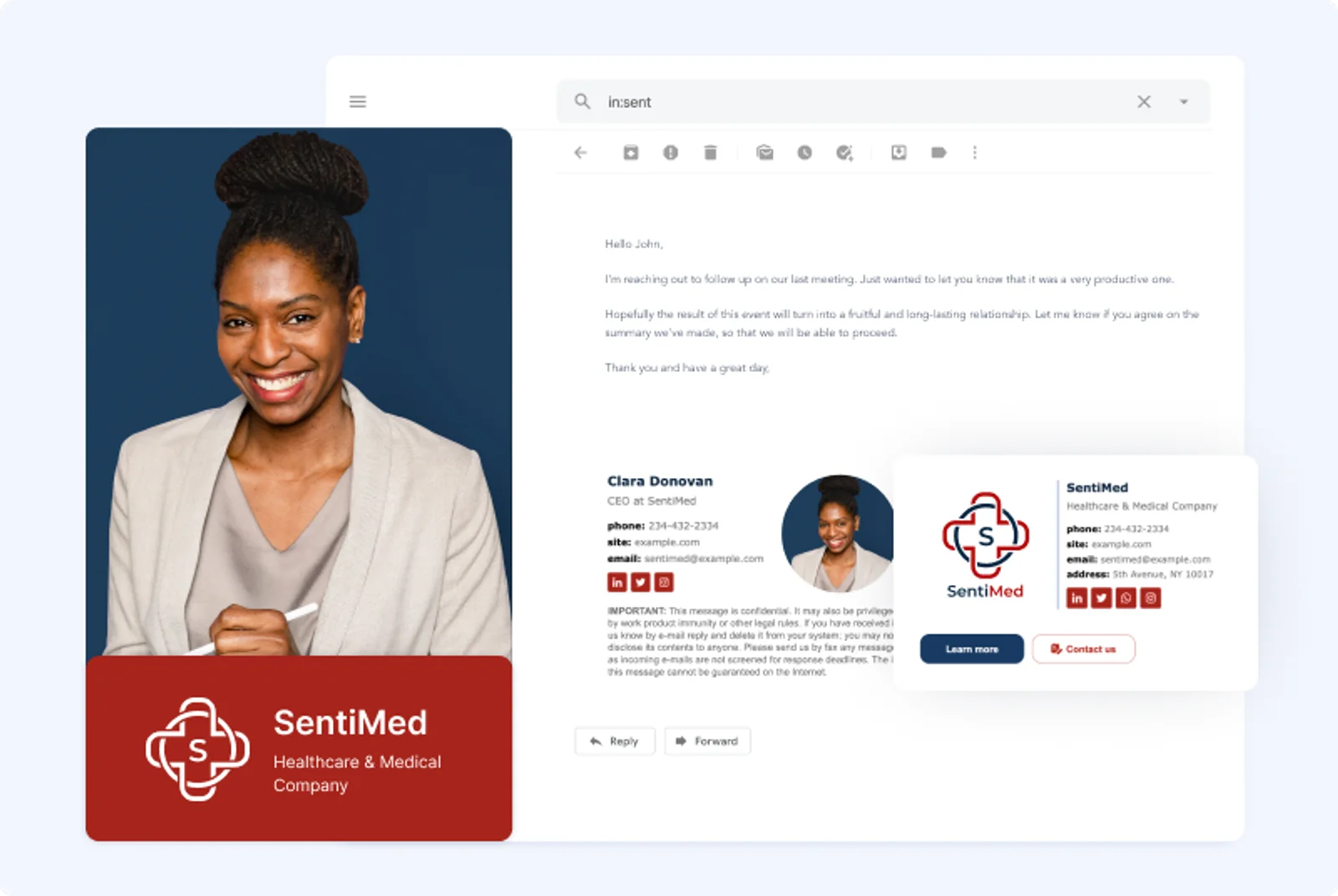
Moreover, a custom domain name, along with professional email signature, strengthens your brand’s recall, especially if you have a matching business name on the web and across socials.
Let’s not forget that a professional business email address also streamlines communication for both your customers and colleagues. Smart businesses that invest often see higher open rates and quicker turnarounds when communicating with team members.
Whether you’re a freelancer, startup, or growing enterprise, learning how to get a business email in 2026 is crucial.
How to Make a Business Email That Dominates The Inbox
Using our guide, it’s now your turn to create a professional business email.
To create an email address that dominates the inbox, ensure your business email hosting provider offers consistent uptime, scalable storage, and ongoing support.
The best business emails are memorable, catchy, and well-hosted to help generate the best open rate for your business.